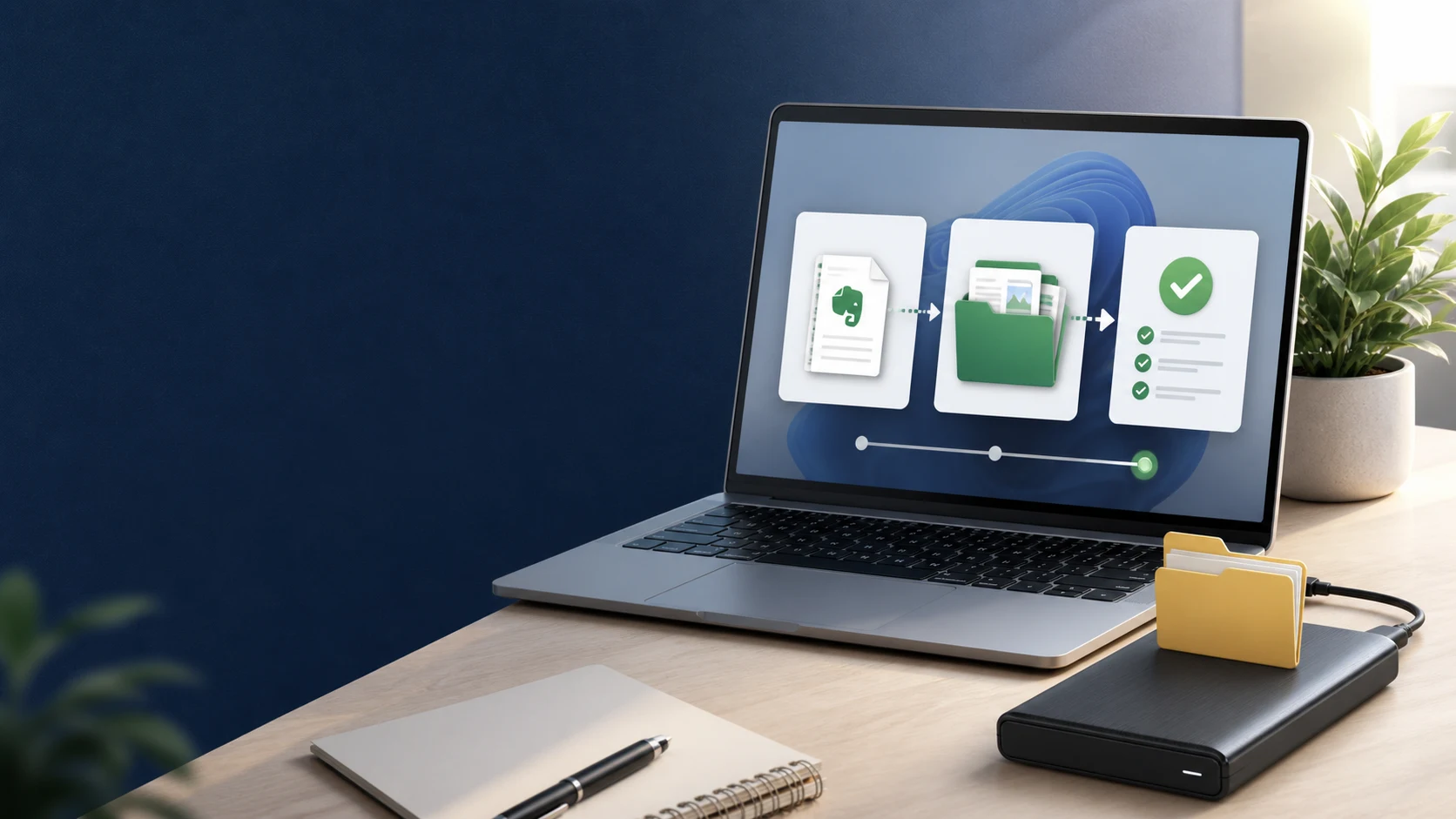
How to Back Up Evernote Properly: 3-2-1 Copies and Restore Testing
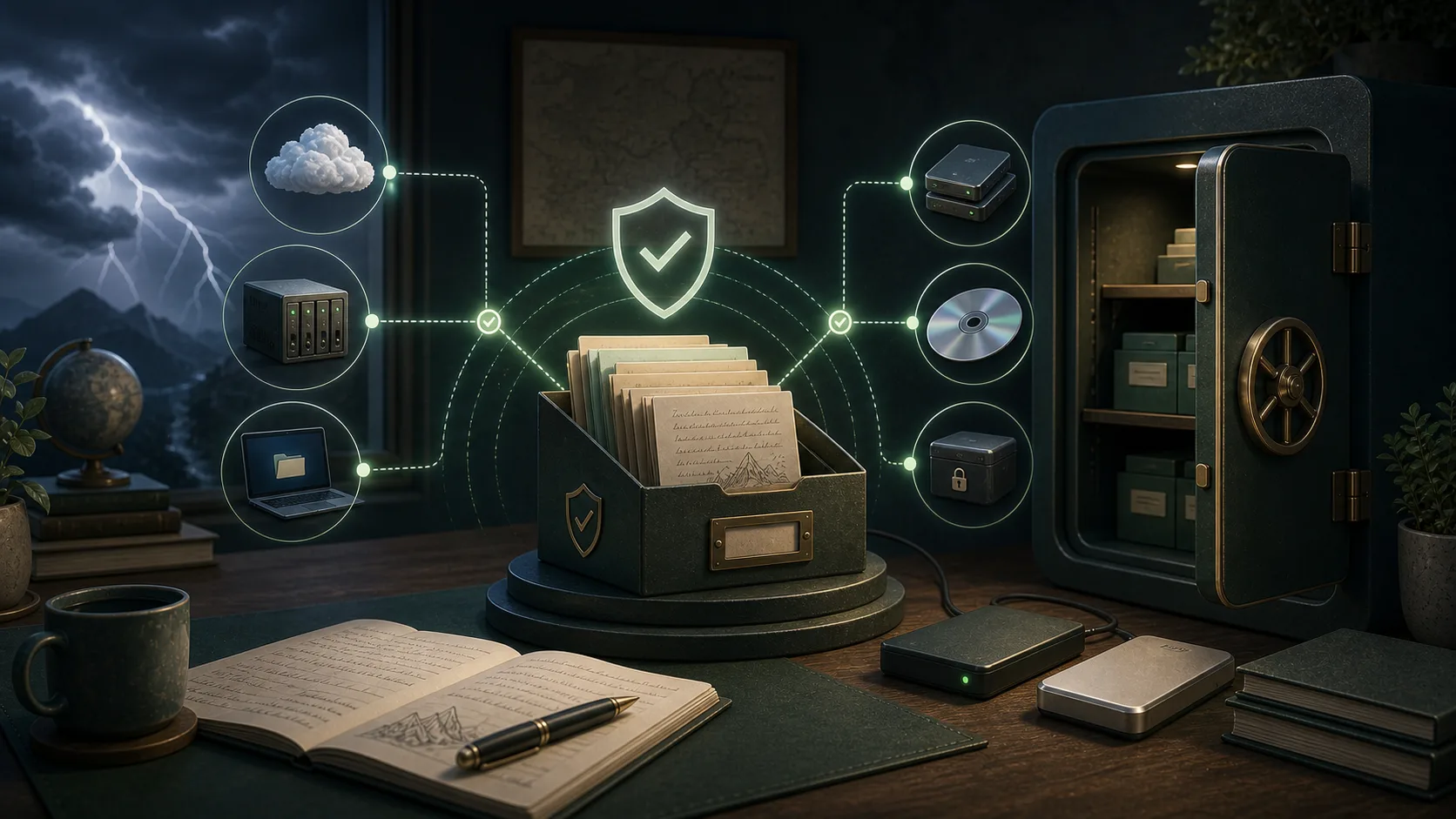
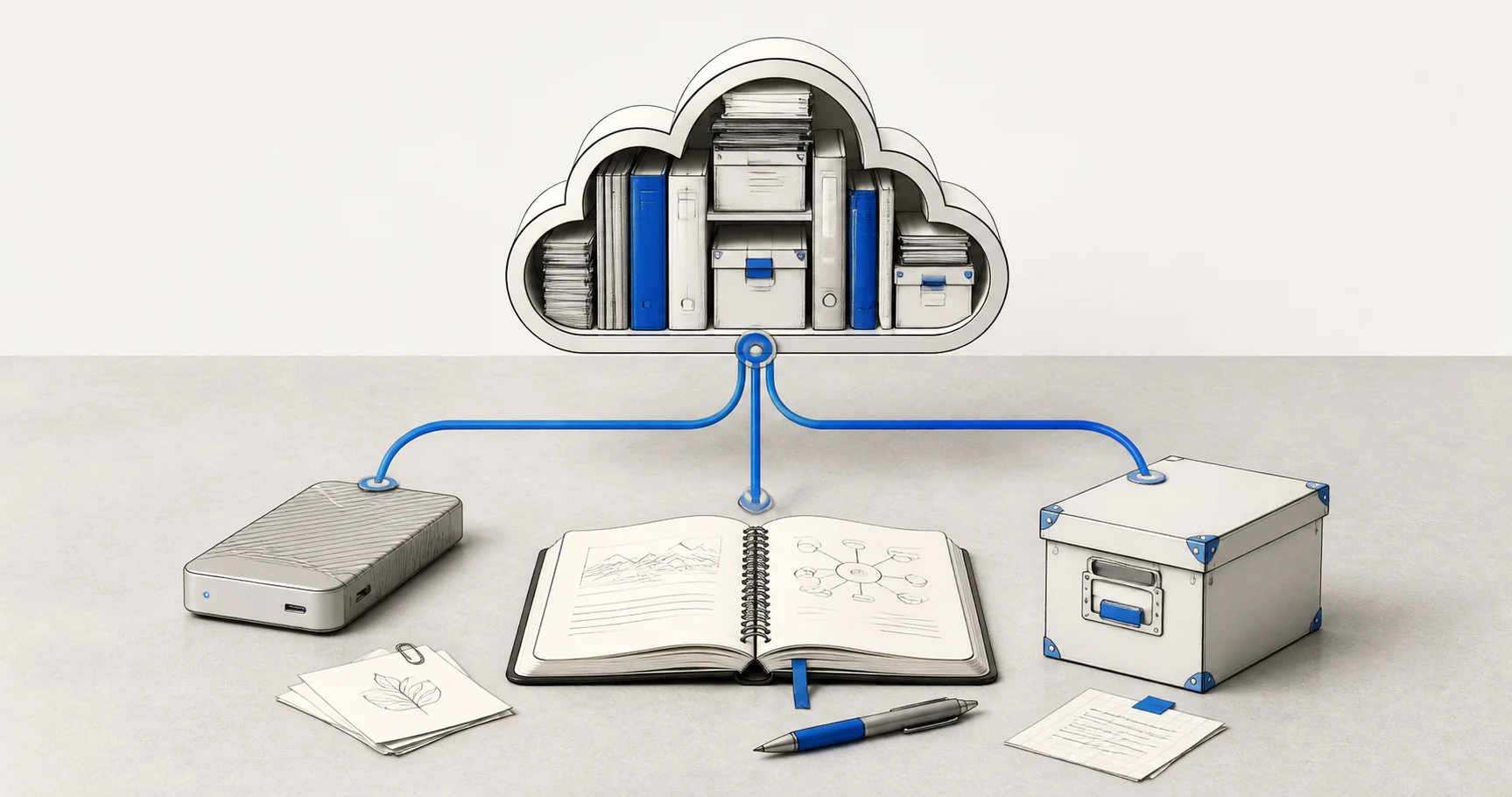
A folder full of files is not proof that your Evernote data is safe. Build several copies, keep the right export formats, and test one real restore before you need it.
學習如何備份、匯出與管理 Evernote 筆記,了解不同匯出格式與移轉方案。
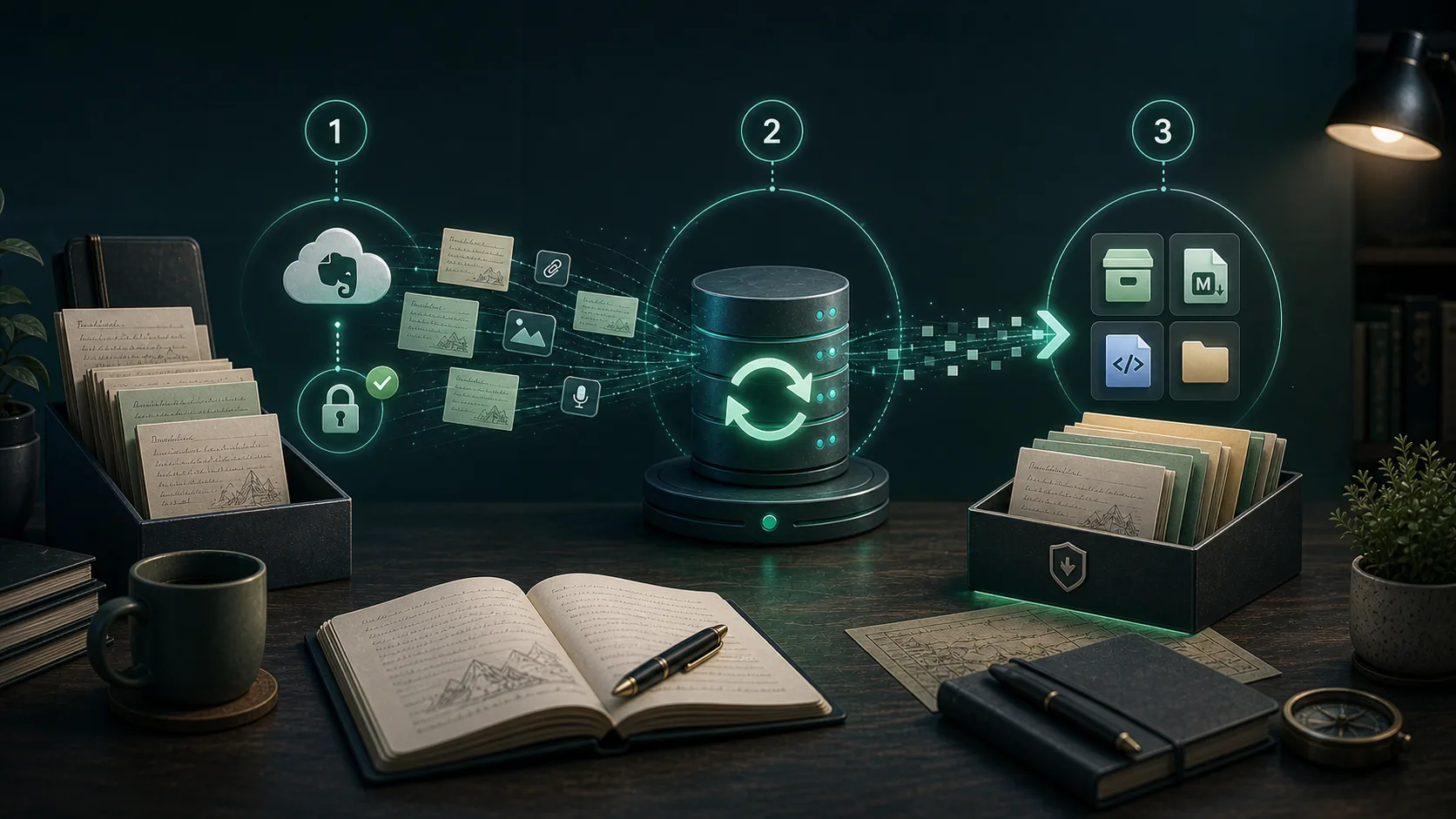
Build a local copy first, verify it, and only then change your workflow. That order removes most of the avoidable risk.
A folder full of files is not proof that your Evernote data is safe. Build several copies, keep the right export formats, and test one real restore before you need it.
Apple Notes is a common destination for Mac and iPhone users, but the safer move starts with a verified local export, not a blind import.
Joplin users often want both preservation and editability. That means you should think about ENEX and Markdown as different tools, not competing guesses.
Large note libraries fail differently. The goal is not just finishing an export once. It is getting a workflow you can trust and repeat.
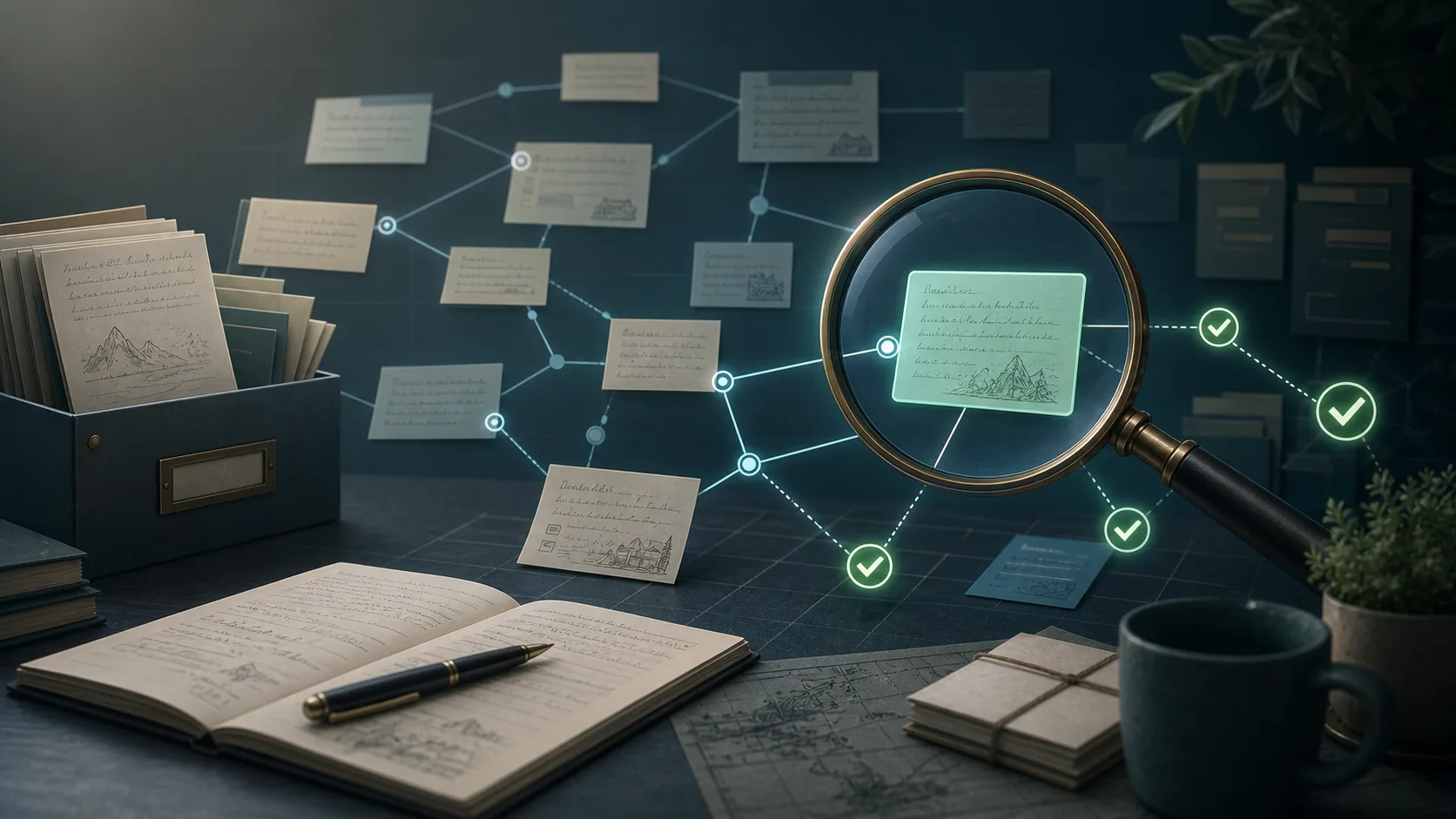
Internal note links are one of those details that users only notice after an export, when the archive is already supposed to be finished.
SSL certificate verification problems on macOS are usually environment issues, not note-data issues. The fix is to make the connection path more reliable and easier to understand.
A comprehensive overview of the desktop application that helps you backup and export your Evernote notes securely.
Your notes are valuable. Here's why relying solely on cloud storage isn't enough, and why every Evernote user should have a local backup.
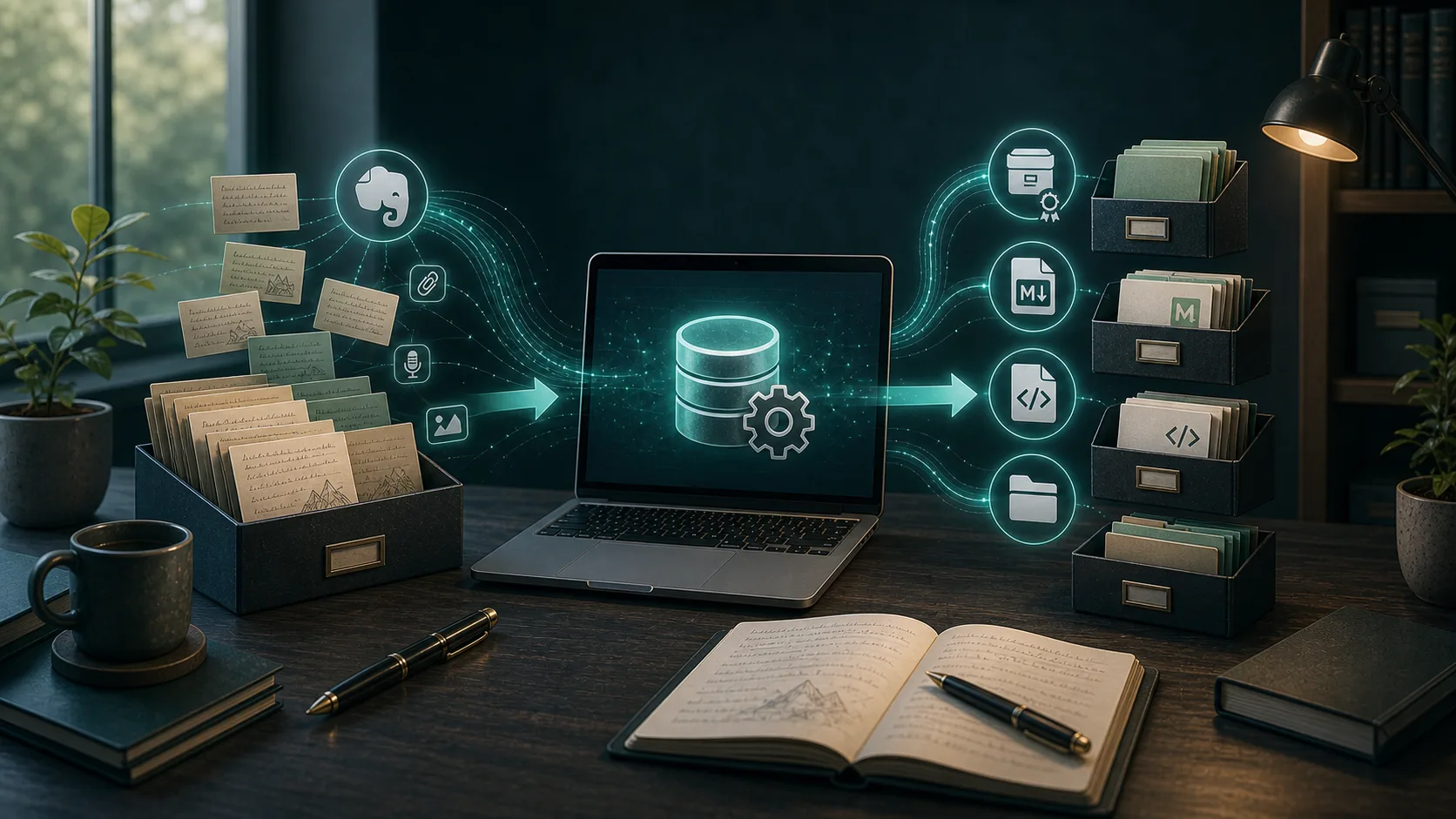
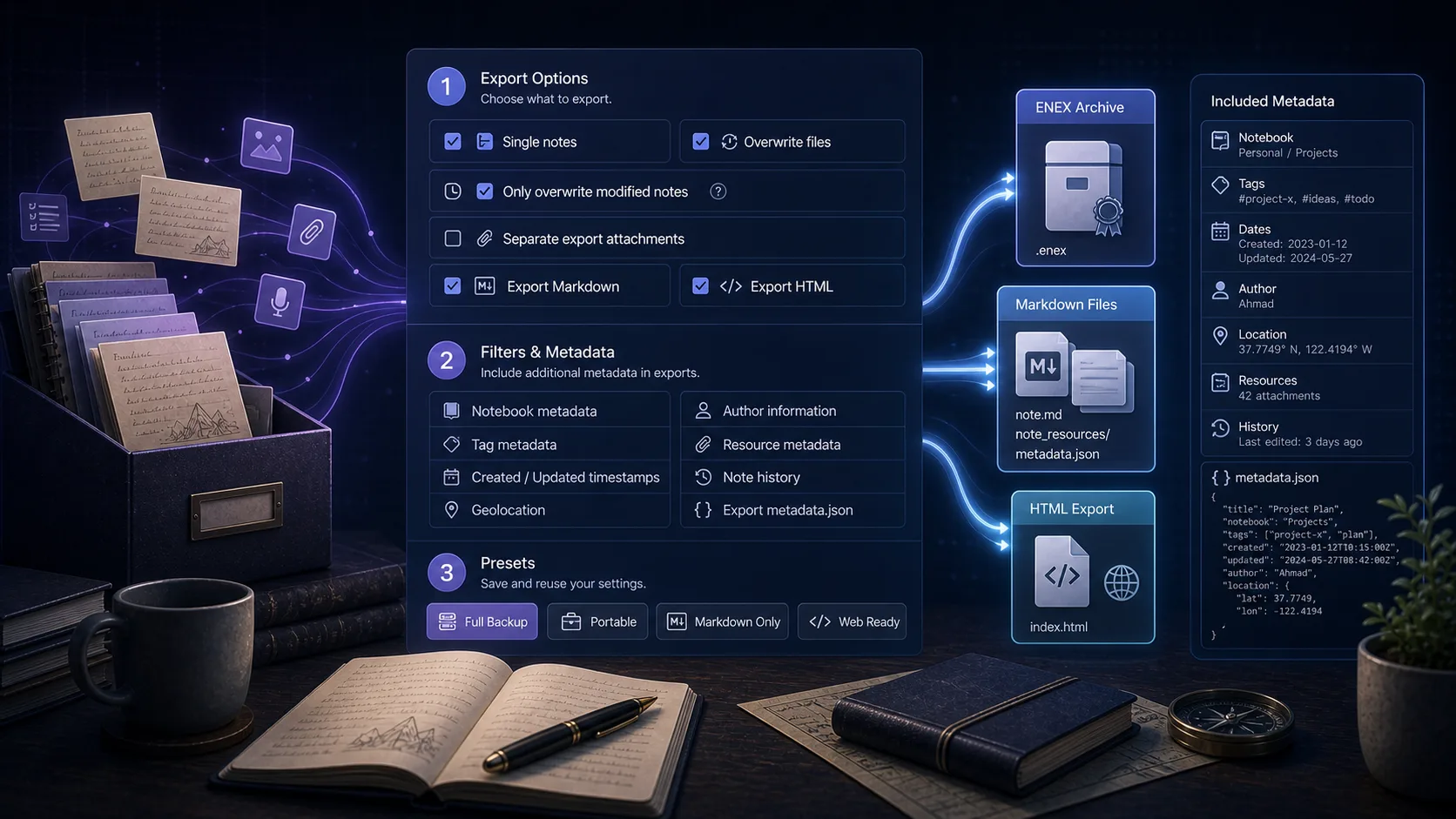
Learn how to backup all your Evernote notes to a local database and export them to ENEX, HTML, or Markdown format. This comprehensive guide covers installation, setup, and all features including Obsidian migration.
Confused about the "No export date", "Add GUID", and "Add metadata" options? This guide explains what each option does and when you should use them.
After years of trusting Evernote with your notes, you might start wondering: what if something goes wrong? Here's how to think about local backups and which export format actually makes sense for your needs.
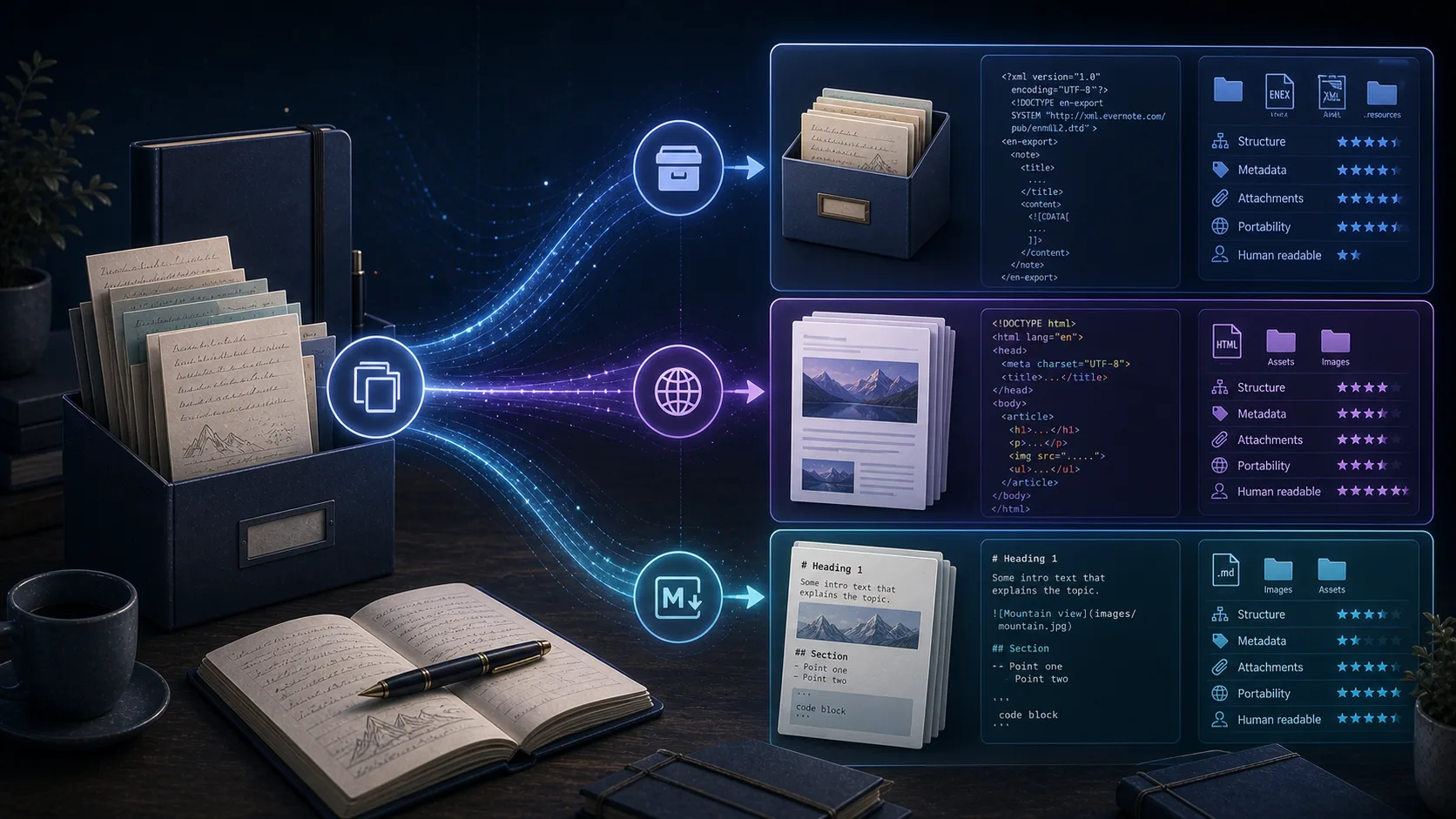
Choosing the wrong export format means extra work later - re-exporting, converting, or discovering your backup isn't actually usable. Here's how to pick the right format the first time.
Moving years of notes from Evernote to Obsidian isn't just an export and import. Here's how to migrate properly using Markdown export, avoiding the common pitfalls that leave people with broken links and missing attachments.
Backing up a small Evernote account is straightforward. But once you cross into thousands of notes with years of attachments, everything changes. Here's what you need to know about large-scale Evernote backups.
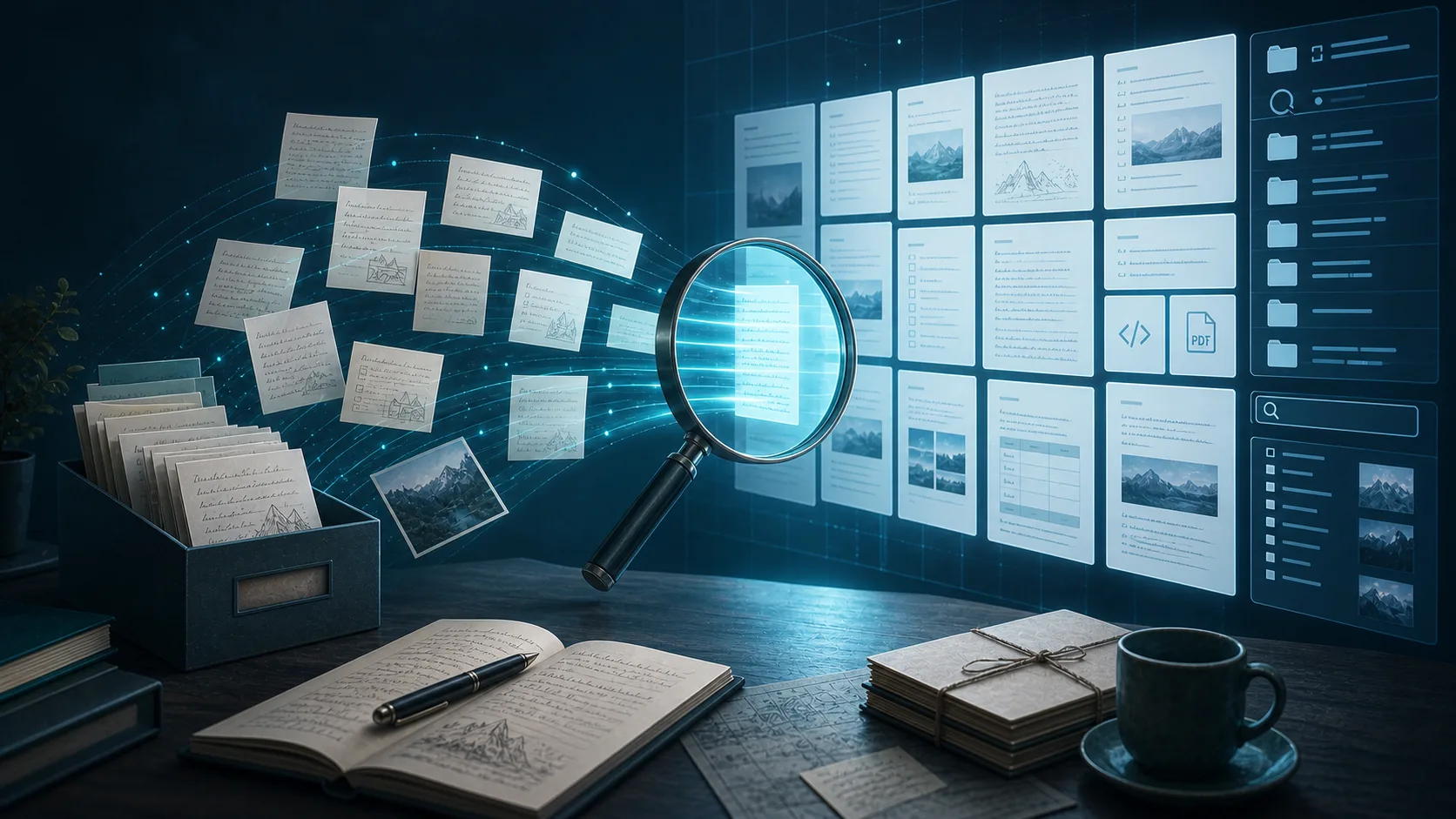
You've exported your Evernote notes, but now you're staring at files you can't easily open or search. Here's how to create exports that are actually useful for browsing and finding information.
Attachments are where most Evernote exports go wrong. Images disappear, PDFs become inaccessible, and documents get corrupted. Here's how to avoid losing the most valuable parts of your notes.
For years, Evernote users with thousands of notes accumulated over a decade stayed loyal through changes and uncertainty. But something shifted recently, and long-time users are finally leaving in noticeable numbers.
When you have years of notes accumulated in Evernote, the prospect of migrating them somewhere else feels overwhelming. Here's what the migration actually involves, beyond just clicking "export."
When long-time Evernote users decide to leave, there's no shortage of alternatives. Yet one choice appears more consistently than any other: Obsidian. Here's why former Evernote users keep choosing this Markdown-based tool over everything else.
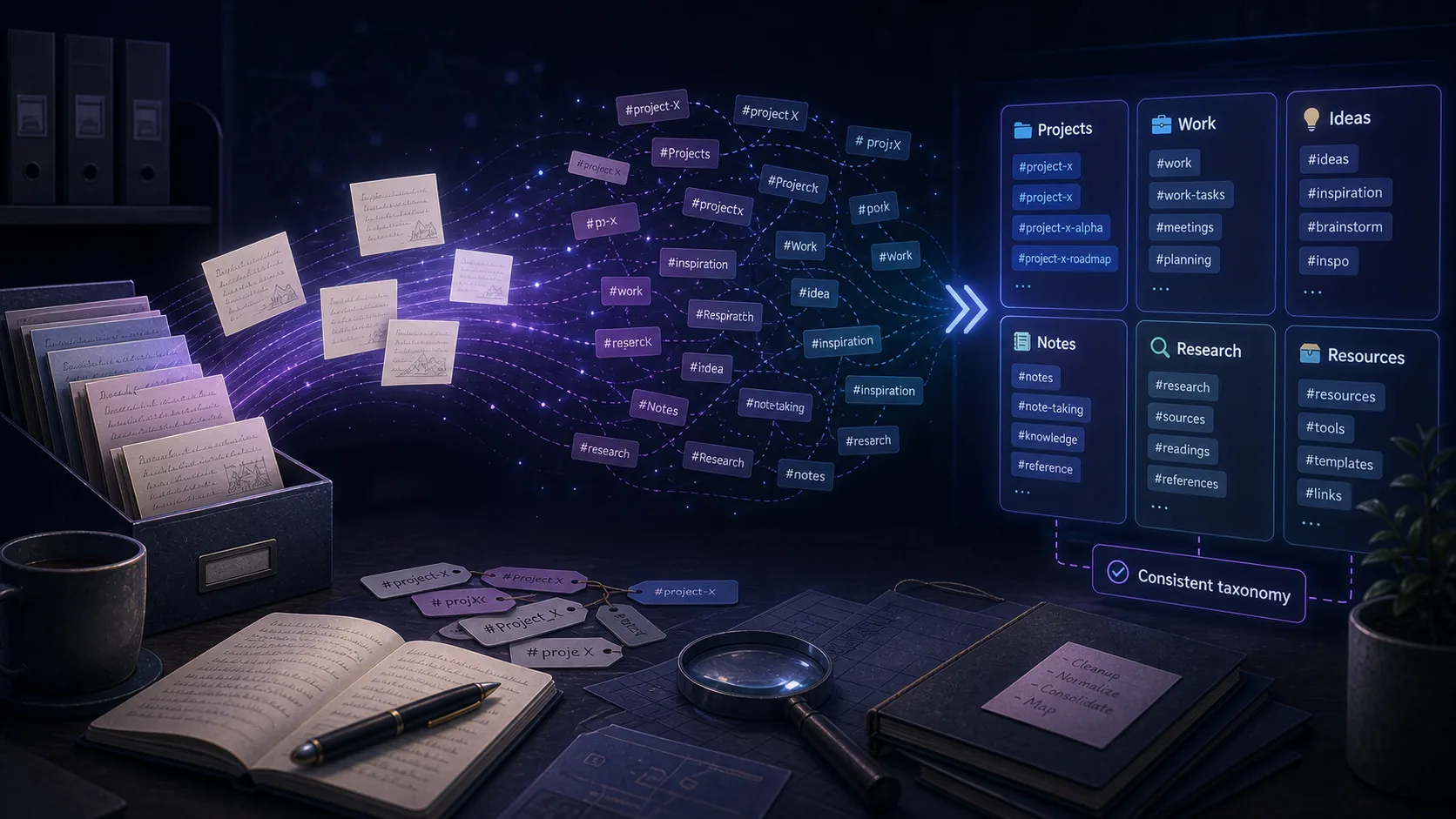
You export your Evernote notes, import them into Obsidian, and everything looks fine—until you notice your tags are broken or missing. Here's what's happening and how to fix it.
For every successful Evernote-to-Obsidian migration story, there's someone who finds the transition genuinely difficult. The struggle isn't usually about the export process—it's about adapting to a completely different way of working.
When you've spent years building a knowledge base in a cloud service, the thought of losing access is genuinely frightening. Here's why so many Evernote users are rushing to export their data, and what you should consider doing with yours.
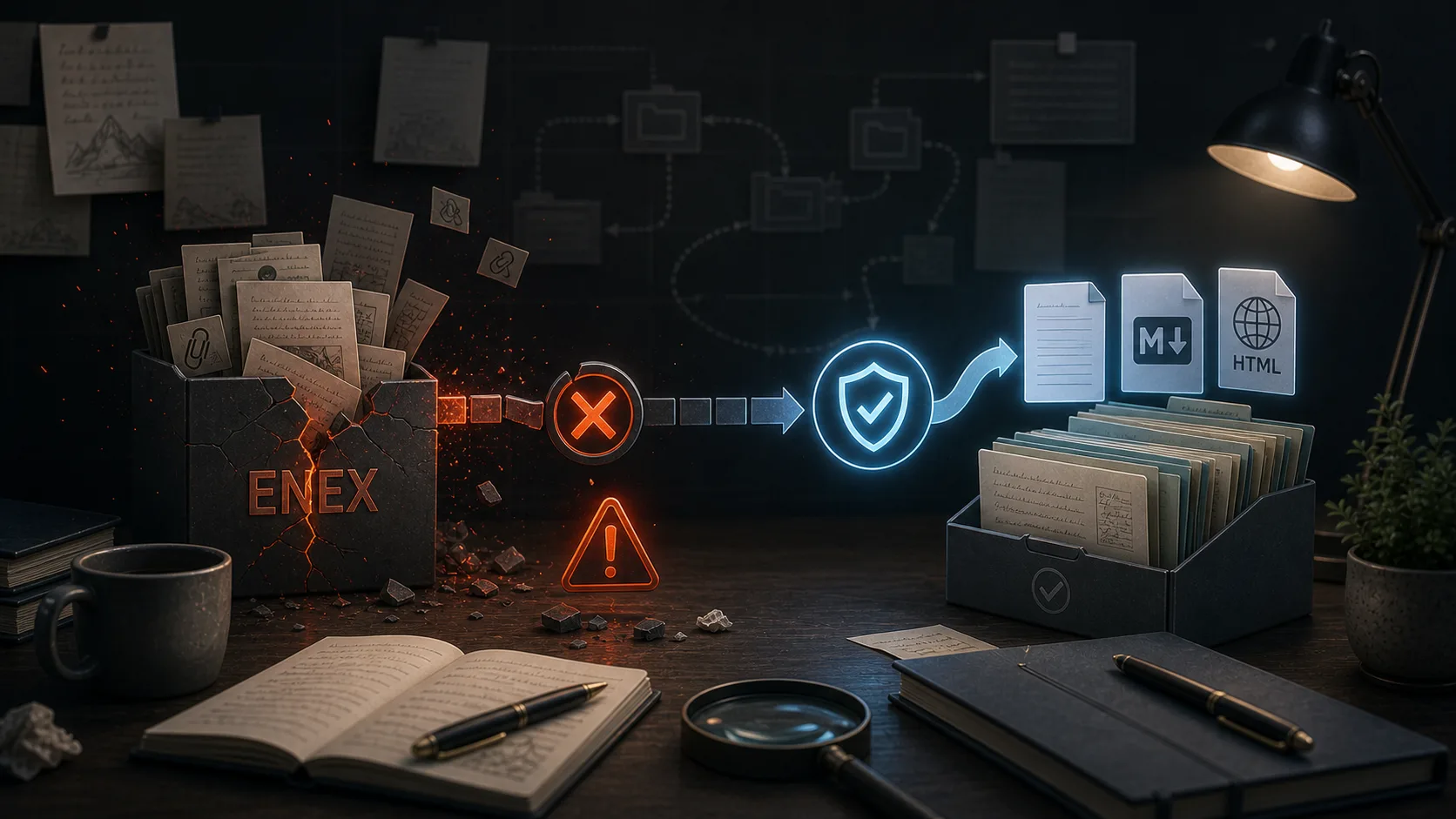
ENEX is Evernote's official export format, but using it often means accepting formatting loss and broken note links. Here's why exports fail and what users are doing about it.
One Reddit user cycled through Evernote, Notion, Obsidian, and back to Evernote again. Their round-trip journey reveals something important about app switching that gets lost in all the migration guides.
Manually backing up your Evernote notes can be tedious and easy to forget. With Evernote Backup Tool's scheduled auto sync feature, you can set it and forget it—your notes will be automatically backed up at regular intervals without any manual intervention.
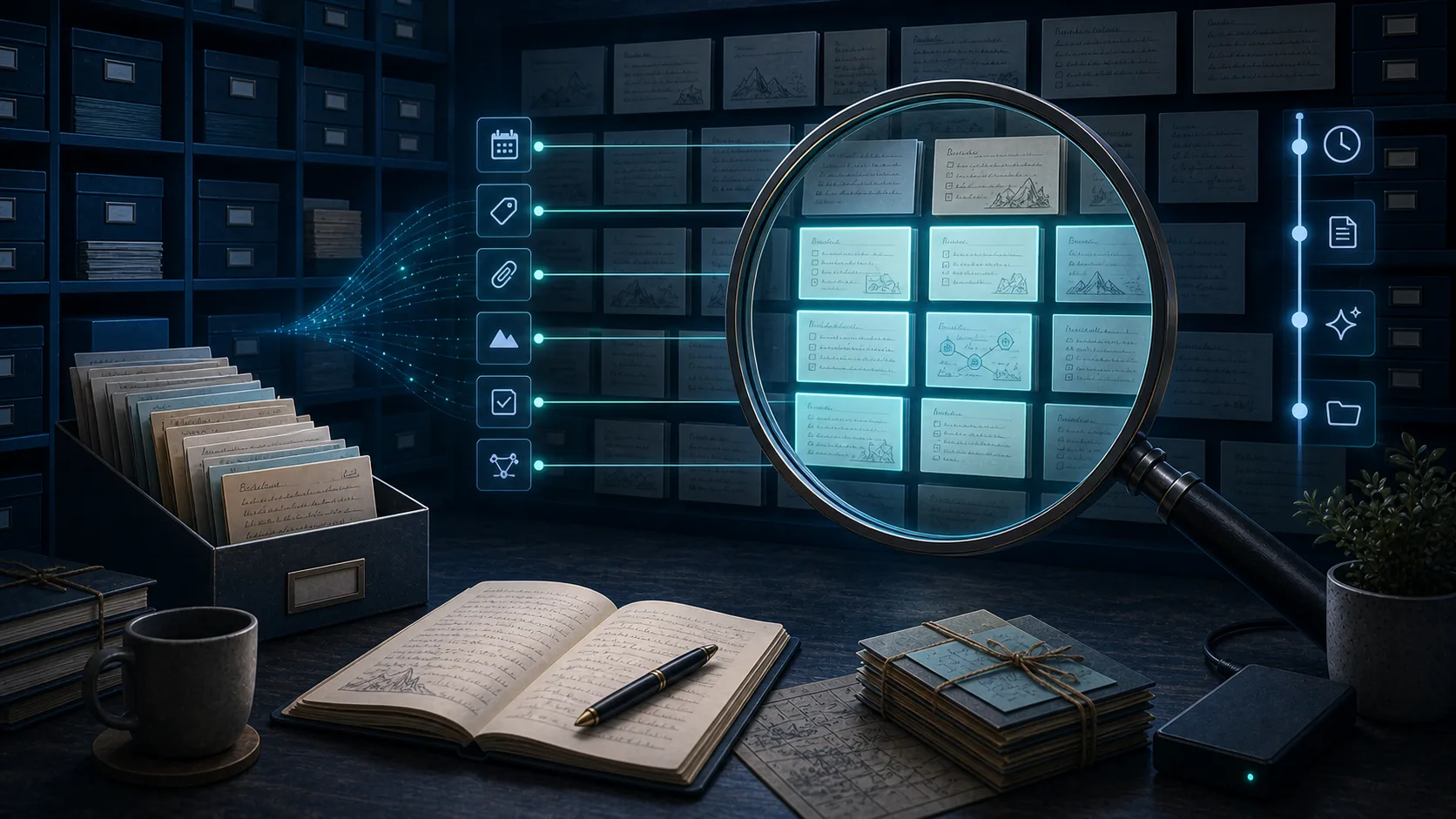
When you export your Evernote notes to HTML format using Evernote Backup Tool, you get more than just static files—you get a fully searchable, filterable offline knowledge base. Learn how to leverage the powerful search and tag filtering features to find any note instantly.
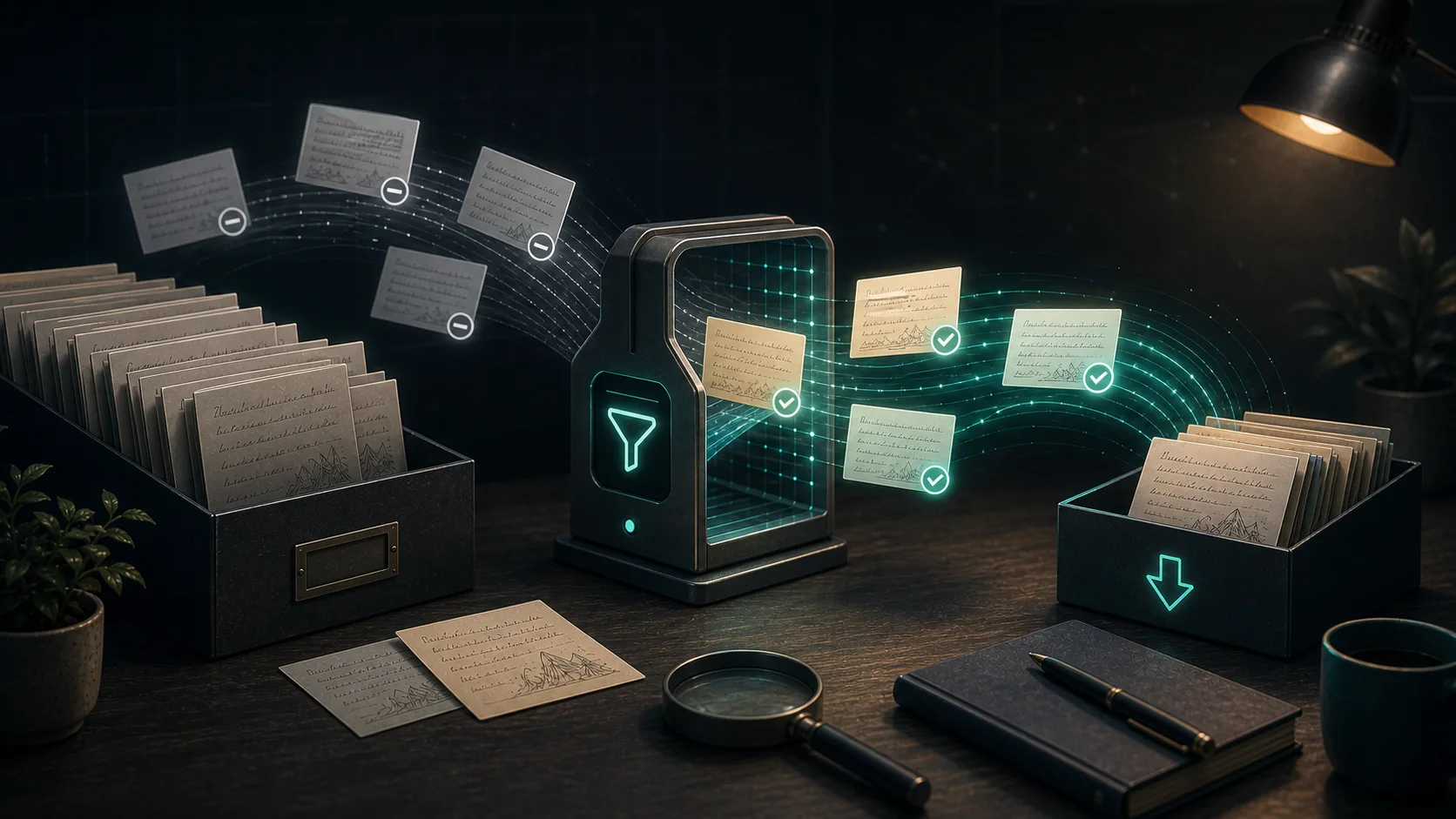
If you export your Evernote notes into a Dropbox folder, iCloud Drive folder, Syncthing folder, or any other synced location, rewriting every file on every export creates unnecessary uploads. Evernote Backup Tool now supports a smarter workflow: export only the notes that actually changed.
Your Evernote notes contain years of valuable information—meeting notes, research, ideas, and memories. Losing this data would be devastating. Learn how to protect your notes with automatic backups and follow best practices to ensure your data is always safe.
匯出按鈕消失,不代表筆記一定被鎖住。先檢查版本、檢視畫面與同步狀態,再建立真正能開啟與搜尋的本機副本。
筆記看似全部匯出,不代表任務狀態也被保留下來。把任務備份與驗證拆開,建立一套值得信賴的移轉流程。
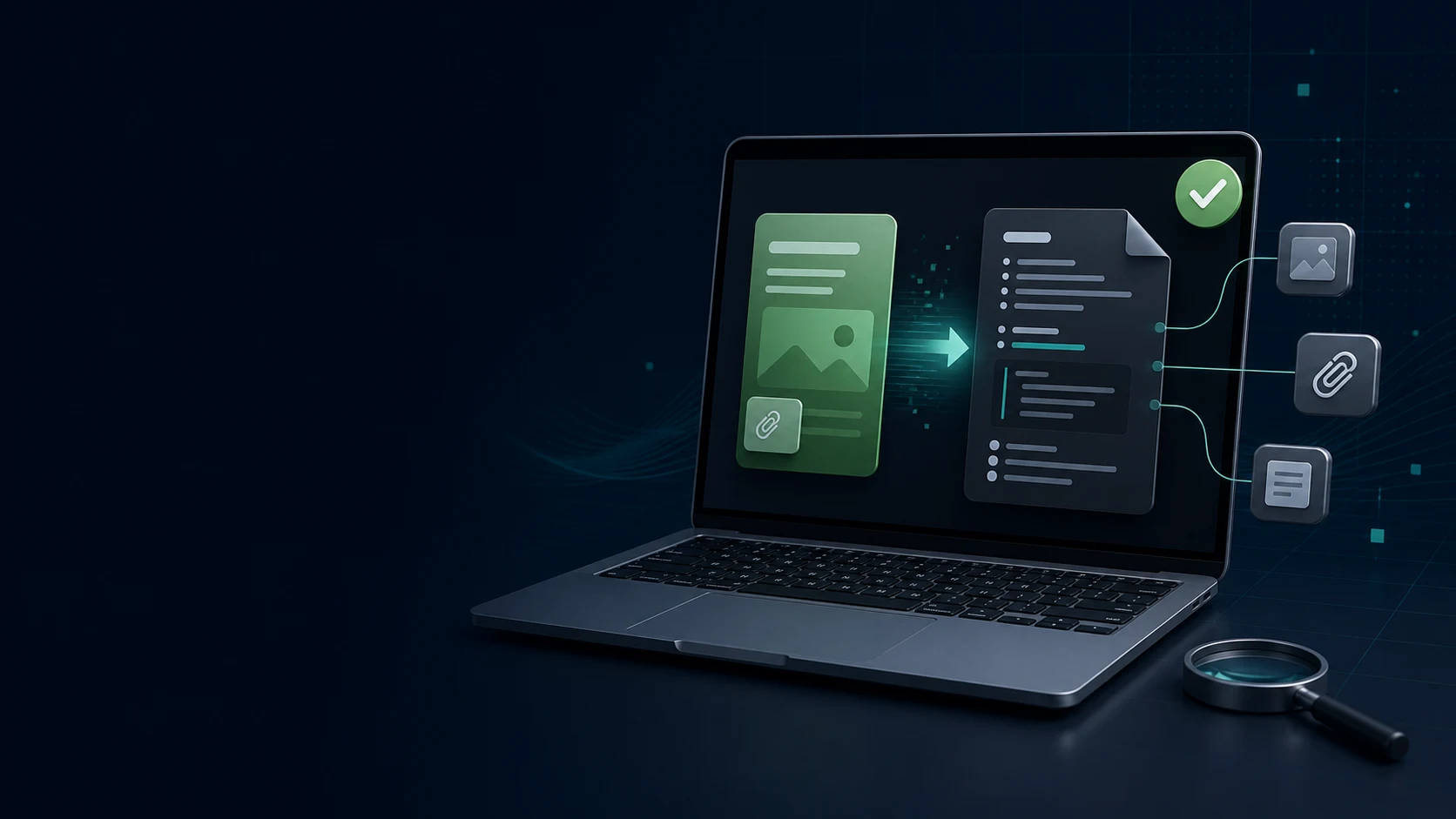
匯入對話框順利結束,不代表連結、附件和表格沒有問題。用這套小批次測試,先看清你的 Evernote 到 Obsidian 流程真正保留了什麼。
當 536 筆 Evernote 筆記匯入後只顯示 20 筆時,不要靠猜。用可重複的完整性檢查找出被排除的筆記本、重複處理、歸檔檔案和真正缺少的筆記。
大型 Evernote 資料庫需要順序,而不是一次巨型匯出。把目前工作、參考資料、附件和回復副本分開處理,移轉會更可控。
取消訂閱是帳單決定,資料安全則需要驗證。完成這份清單,再移除你仍依賴的 Evernote 工作流程。