
Backup Planning
How to Back Up Evernote Before Changing Apps or Plans
Build a local copy first, verify it, and only then change your workflow. That order removes most of the avoidable risk.
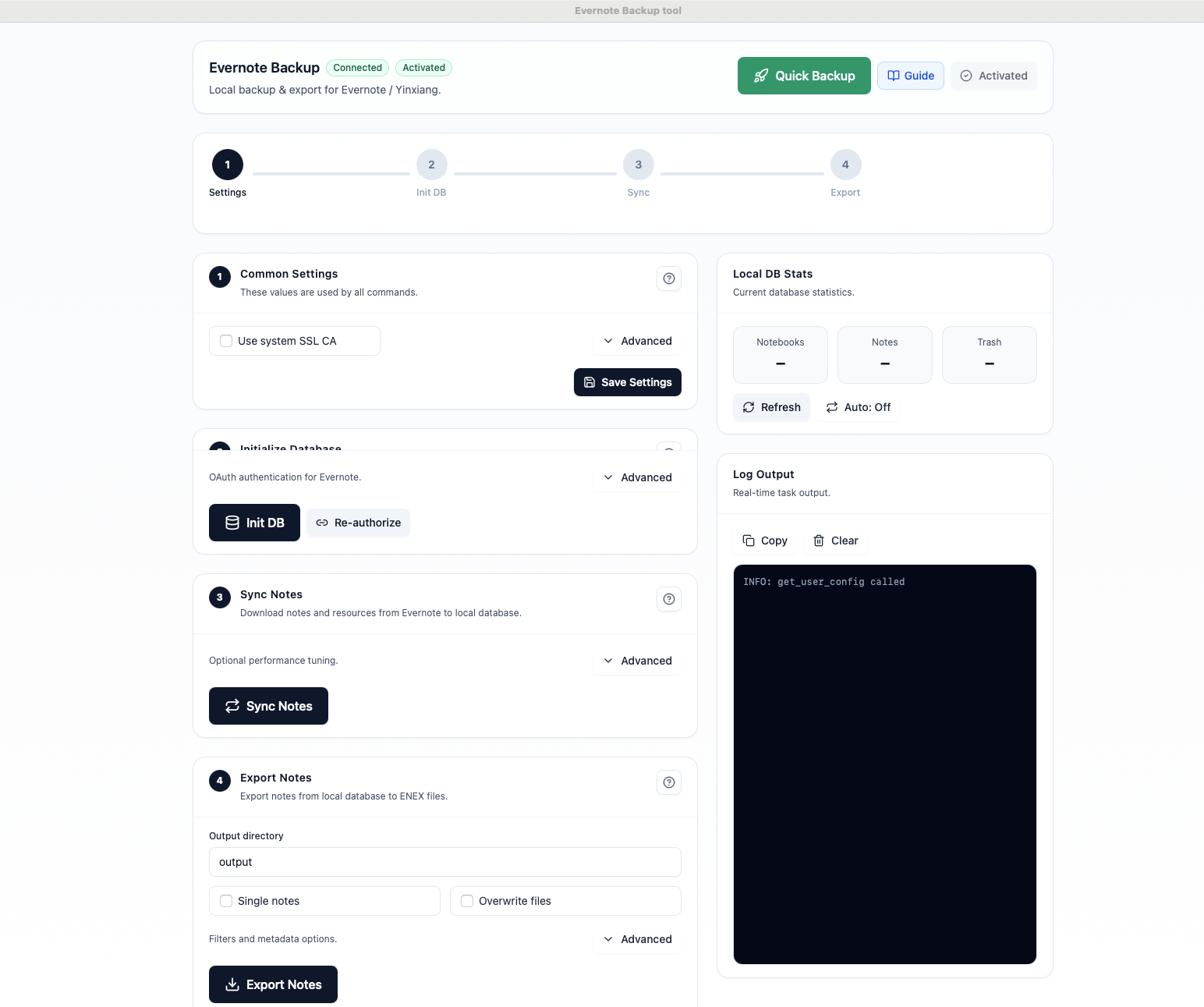
以本地优先为核心,覆盖备份、导出、迁移准备等完整流程。
将笔记本、笔记、附件和资源下载到本地 SQLite 数据库,长期可控。
支持 ENEX、HTML、Markdown。Markdown 适合迁移到 Obsidian,HTML 适合检索浏览。
初次备份之后只下载变更过的笔记,持续同步更快更省时间。
所有数据都留在你的电脑里,不依赖云端托管,也不会上传笔记内容。
同时支持 Evernote International 和印象笔记,并提供 macOS / Windows 原生版本。
初始化、同步、导出可以一键串起来,快速得到最新的本地副本。
可以按计划自动同步和导出,让备份始终保持最新。
只重写真正发生变化的文件,更适合 Dropbox、iCloud Drive、Syncthing 等同步目录。
不需要复杂配置,三步就能建立本地备份流程。
通过安全的 OAuth 授权连接 Evernote 账号,工具不会保存你的密码。
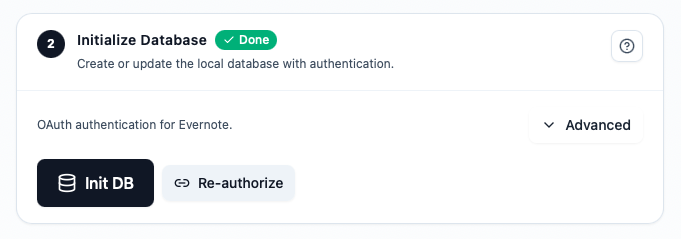
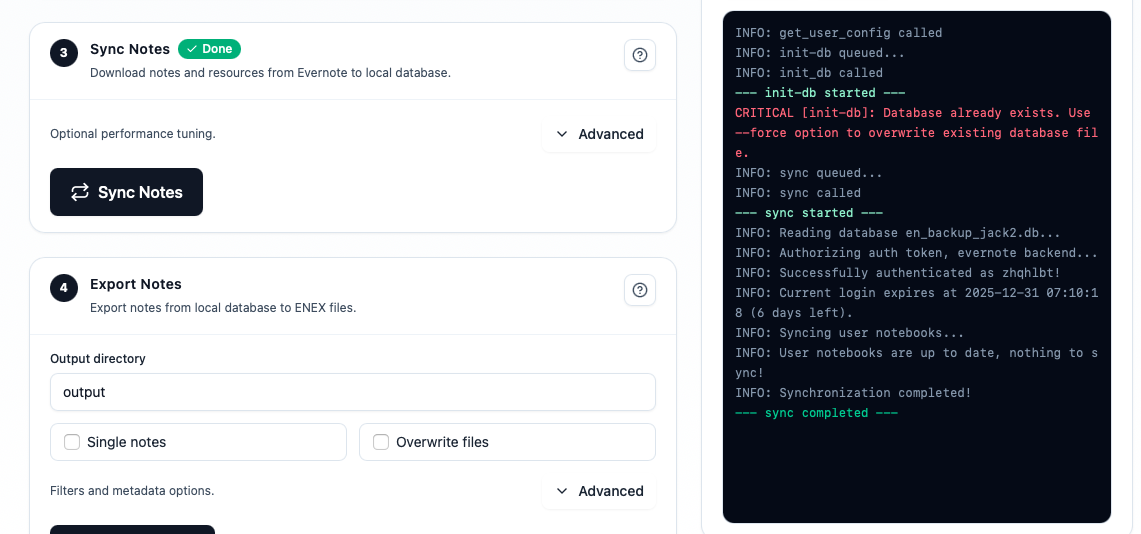
把笔记本和笔记下载到本地数据库,并实时查看同步进度。
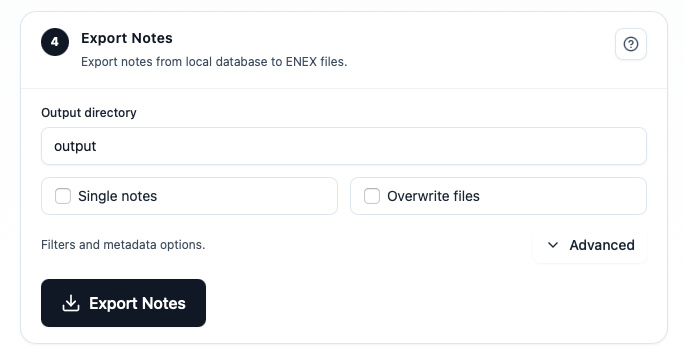
根据备份、浏览、迁移场景选择 ENEX、HTML 或 Markdown。
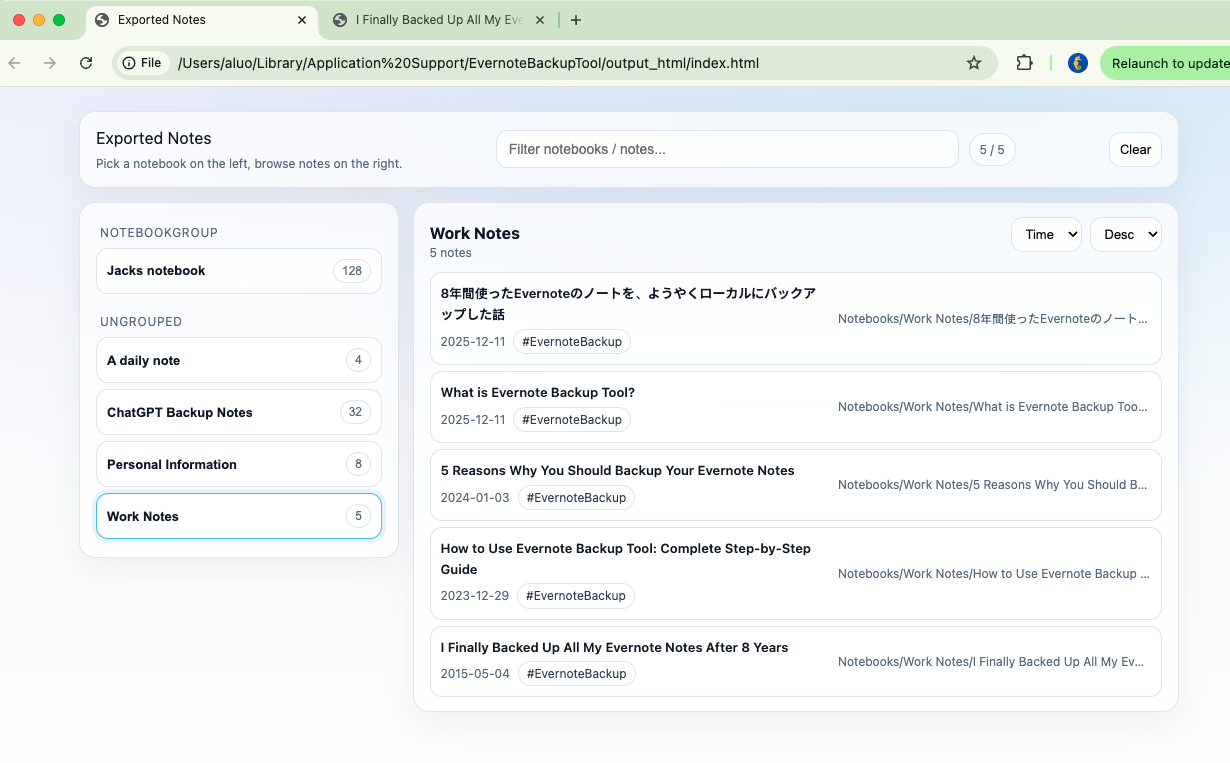
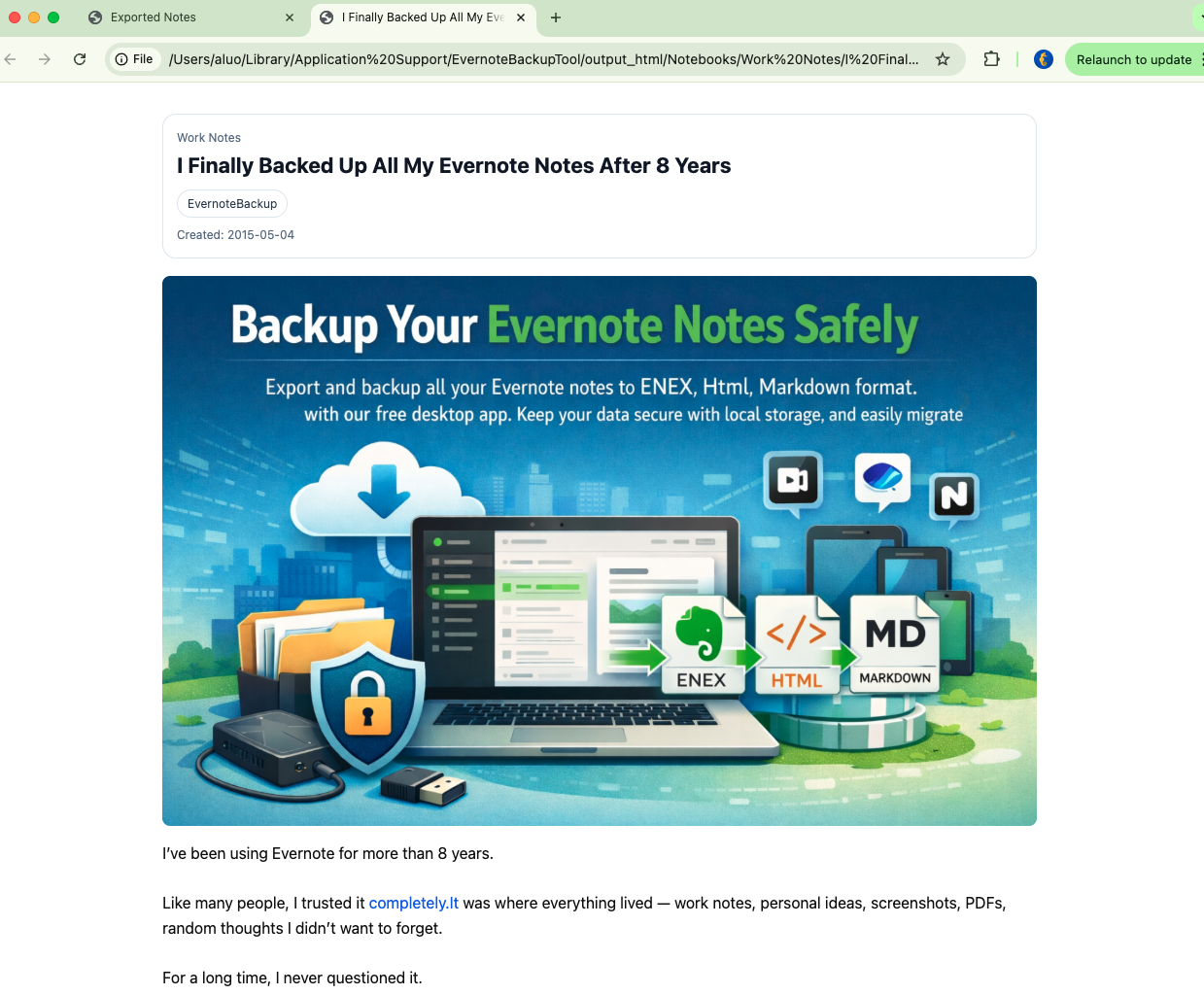
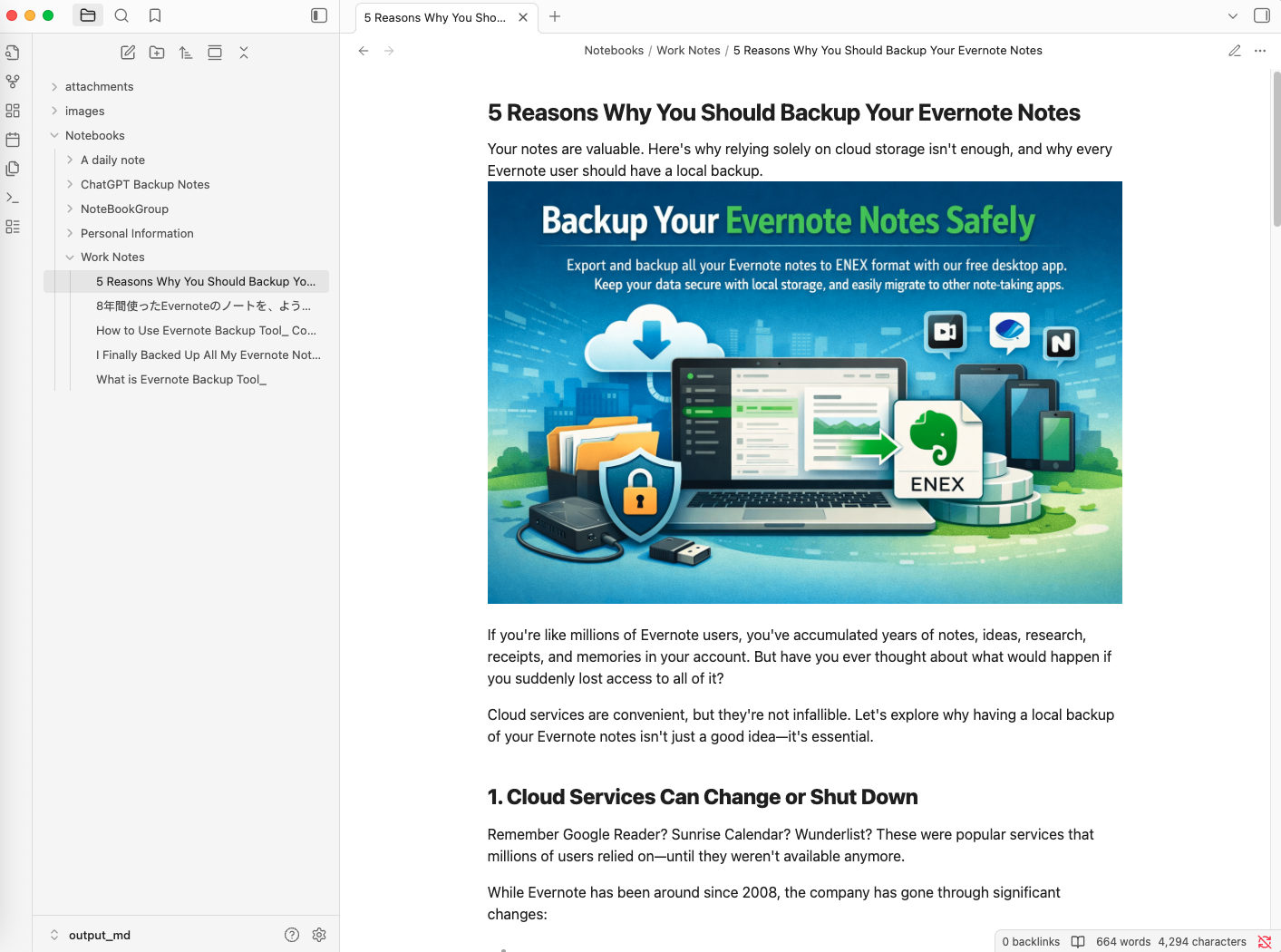
一段简短演示,展示从连接账号到导出的完整流程。
不是订阅制。买一次,就能一直掌控你的 Evernote 备份和导出。
先试再买
先验证你的数据
一次性付款
适合长期备份
一次性付款
适合迁移准备
Backup Edition: 如果你需要持续保存 ENEX 安全副本,请选择备份版。
Migration Edition: 如果你需要可阅读的 HTML、Markdown 文件,或准备迁移到其他应用,请选择迁移版。
一次购买可永久使用已购版本,并包含当前大版本的小版本更新;未来大版本不包含在内。
已经购买备份版?可以联系支持,补差价升级原有激活。 [email protected]
一次付费,长期可用,把你的笔记始终掌握在自己手里。
从自动备份、导出检索到迁移实践,优先整理了用户最常看的文章。
Build a local copy first, verify it, and only then change your workflow. That order removes most of the avoidable risk.

Apple Notes is a common destination for Mac and iPhone users, but the safer move starts with a verified local export, not a blind import.

Large note libraries fail differently. The goal is not just finishing an export once. It is getting a workflow you can trust and repeat.
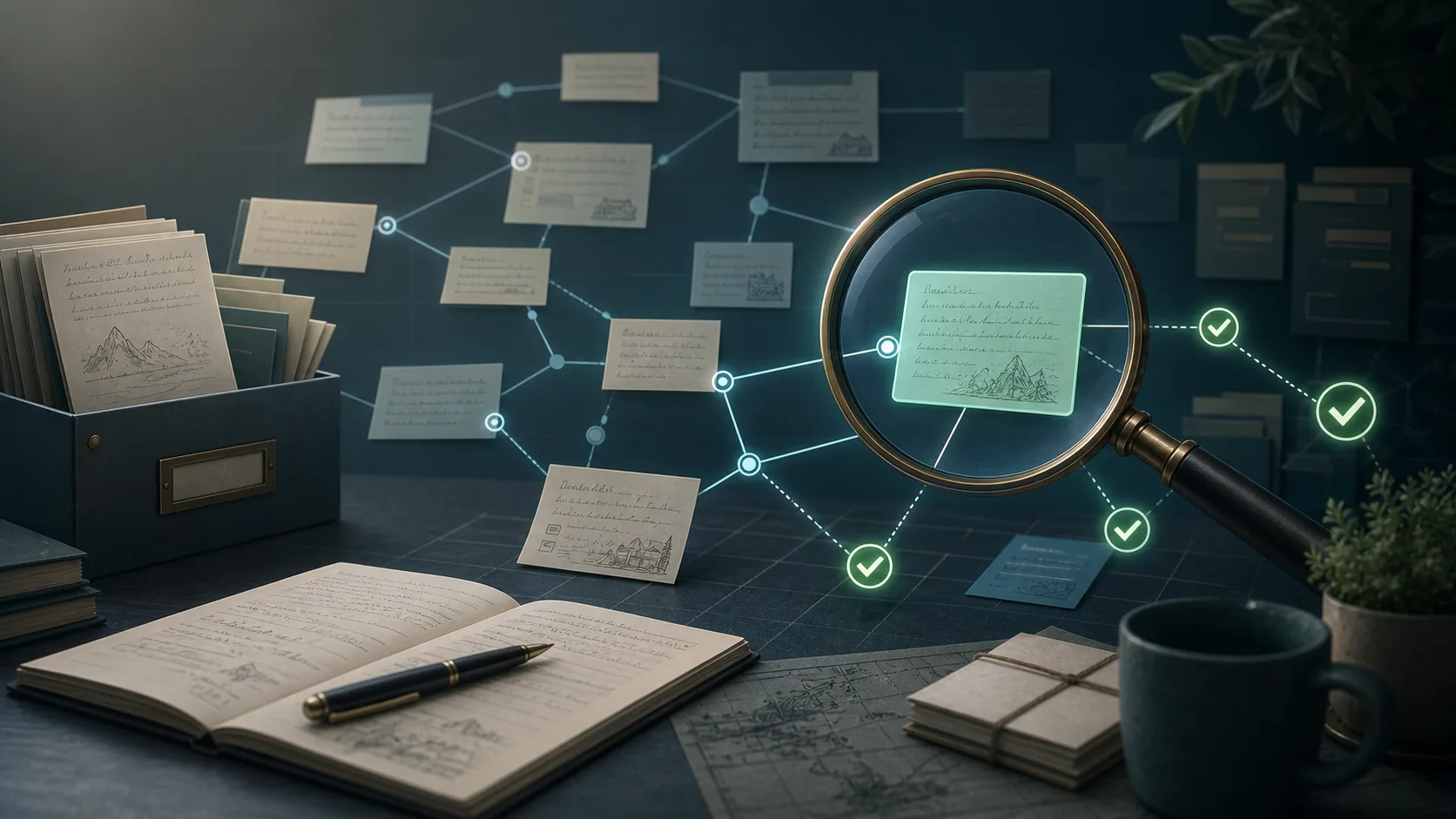
Internal note links are one of those details that users only notice after an export, when the archive is already supposed to be finished.
是的。工具把数据存储在本地电脑中,Evernote 授权通过 OAuth 完成。
支持 ENEX、HTML 和 Markdown,分别适合归档、浏览和迁移。
支持,Evernote International 和印象笔记都可以使用。
不是。付费版本是一次性授权,不是持续订阅。