Migrating 15 Years of Evernote: A Staged Plan for 1,500 Notes and 3,000 Tasks
Large Evernote libraries need sequencing, not a single giant export. Here is a calm way to separate active work, historical notes, attachments, and rollback copies.
Why a Large Library Needs Stages
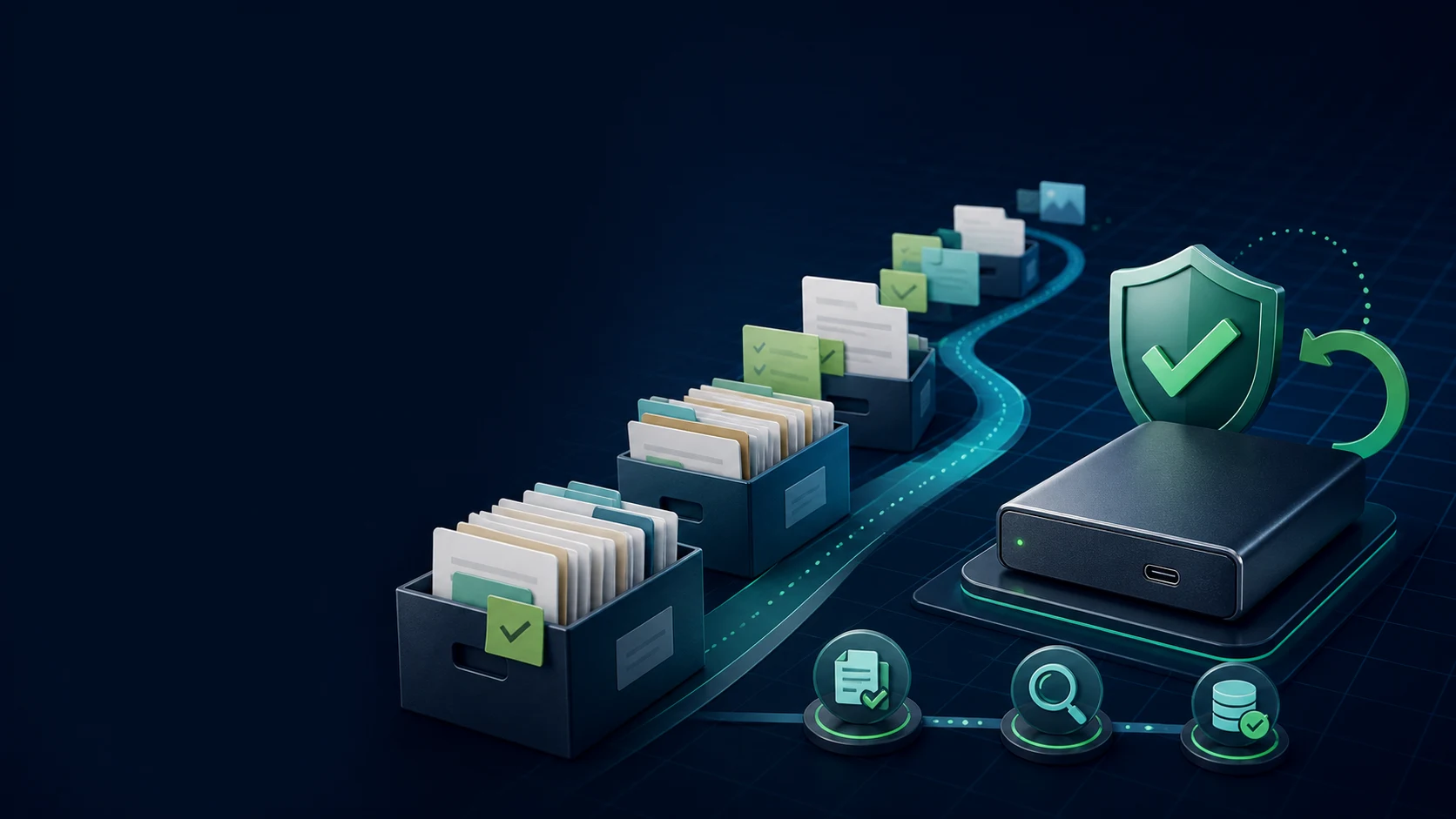
A fifteen-year Evernote account is not one uniform pile of notes. It contains current projects, reference material, old journals, attachments, and task history with very different levels of value. Sending all of it through one export hides those differences and makes a failure difficult to locate.
A staged plan gives you checkpoints. You can move the notes you need this week, preserve the rest as an archive, and learn how your destination handles real examples before committing the entire library.
Do not make cancellation day your migration day. Keep the source account and a verified local copy while the new workflow proves itself.
Separate the Three Data Layers
Before choosing a destination, classify your library by how it will be used:
Active work
Projects, open tasks, meeting notes, and anything you must search or edit every week.
Reference
Recipes, research, manuals, and evergreen notes that benefit from a clean searchable home.
Preservation
Old journals, legal records, and material you rarely open but cannot afford to lose.
Active work deserves the strictest test. Preservation material can stay in ENEX or HTML while you decide whether every historical detail belongs in the new app.
A Four-Phase Migration Plan
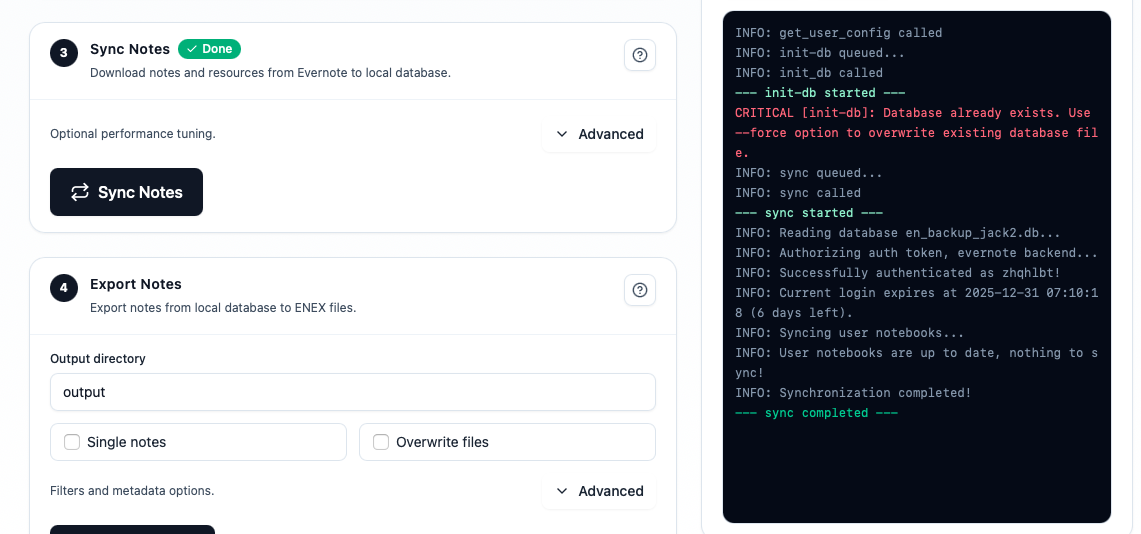
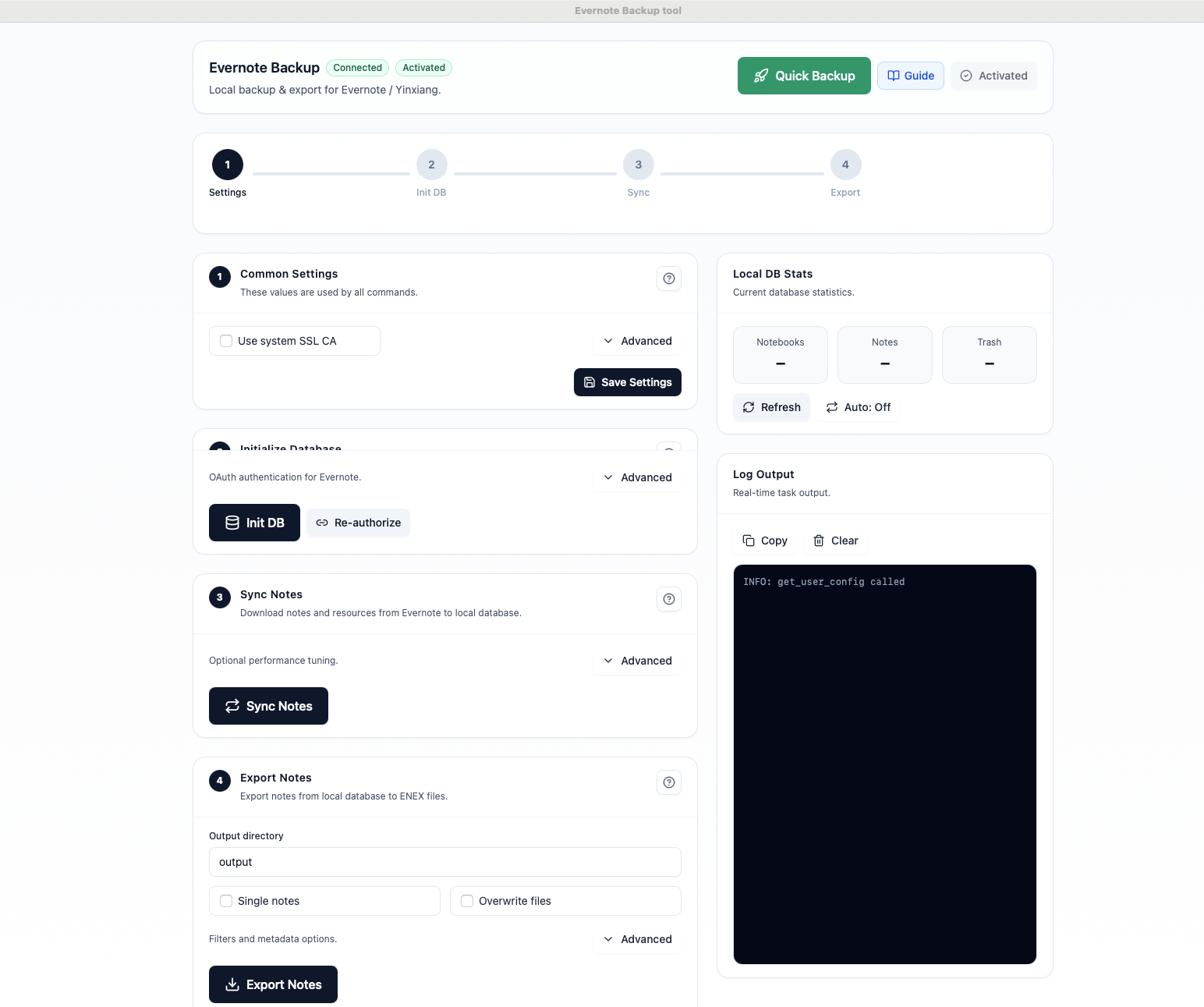
- Baseline: synchronize the complete library to a dedicated local database and record note, notebook, attachment, and task counts.
- Pilot: export one active notebook and one messy historical notebook. Test Markdown, HTML, or ENEX in a fresh destination workspace.
- Move in waves: migrate active work first, then reference notebooks in manageable batches. Leave preservation material untouched until the workflow is predictable.
- Freeze and verify: pause edits briefly, run a final delta export, compare the inventory, and document the destination paths before switching your daily habit.
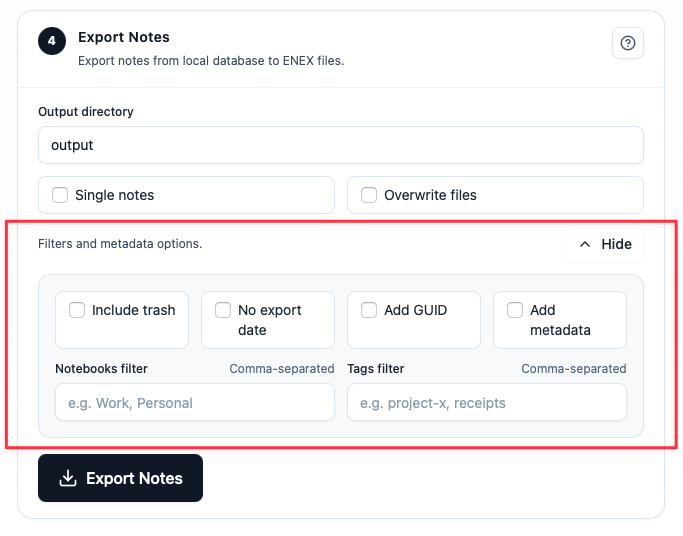
Use notebook and tag filters to keep waves understandable. A batch you can inspect is more valuable than a giant export you cannot audit.
Design the Rollback Path
Rollback is not a sign that the migration failed. It is what lets you test without fear. Keep these copies separate:
- Local source: the synchronized database that can produce another export.
- Raw preservation: the original ENEX or HTML files, stored read-only.
- Destination snapshot: a dated copy of the new vault or workspace before each wave.
- Decision log: a short record of what was moved, what was left behind, and why.
Open a few files from every copy. A backup you have never opened is only a promise; a rollback path is something you have rehearsed.
Measure Progress Without Guessing
Track more than a single note count. For each wave, record:
- Notes exported and notes verified in the destination
- Attachments opened successfully
- Internal links tested
- Completed and open tasks checked
- Exceptions that remain in the preservation archive
| Status | Meaning | Next action |
|---|---|---|
| Verified | Sample and critical fields pass | Move to the next wave |
| Needs review | A known difference is documented | Decide whether to repair or archive |
| Blocked | A note or resource cannot be traced | Stop the wave and investigate |
This makes a large migration boring in the best way: every step has an owner, a result, and a safe next move.
Aftercare for the First 30 Days
The first month is when hidden problems surface. Keep the old workflow available and schedule three short checks:
- Search for five everyday notes and confirm the result feels natural.
- Open a sample attachment and an older note from each migrated wave.
- Review open tasks and links before declaring the old library inactive.
Adopt the new workflow gradually. Confidence comes from repeated successful retrieval, not from deleting the old app on day one.
FAQ
Should I migrate all 1,500 notes at once?
Usually not. Pilot with representative notebooks, then move in waves that you can verify and roll back.
What should happen to thousands of completed tasks?
Preserve their note context, test how the destination represents state, and move only the active subset into a task manager if that matches your workflow.
When can I cancel Evernote?
Only after the local source, raw archive, destination checks, and recovery steps have all passed your acceptance rule.
The Practical Takeaway
A 15-year Evernote library is manageable when you stop treating it as one export. Separate active work, reference, and preservation; move in waves; keep independent rollback copies; and measure verified retrieval instead of raw file counts. The result is a migration you can explain—and undo—when the next surprise appears.
Download Evernote Backup ToolRelated guides
Evernote Export Missing Notes? Why Your HTML File Count Doesn't Match
An export can report success while the number of HTML files on disk looks too low. Learn how to investigate duplicate titles, filename collisions, export settings, and OneDrive workflows before assuming notes are missing.
How to Back Up Evernote Before Changing Apps or Plans
Build a local copy first, verify it, and only then change your workflow. That order removes most of the avoidable risk.
How to Back Up Evernote Properly: 3-2-1 Copies and Restore Testing
A folder full of files is not proof that your Evernote data is safe. Build several copies, keep the right export formats, and test one real restore before you need it.