5 Reasons Why You Should Backup Your Evernote Notes
Your notes are valuable. Here's why relying solely on cloud storage isn't enough, and why every Evernote user should have a local backup.
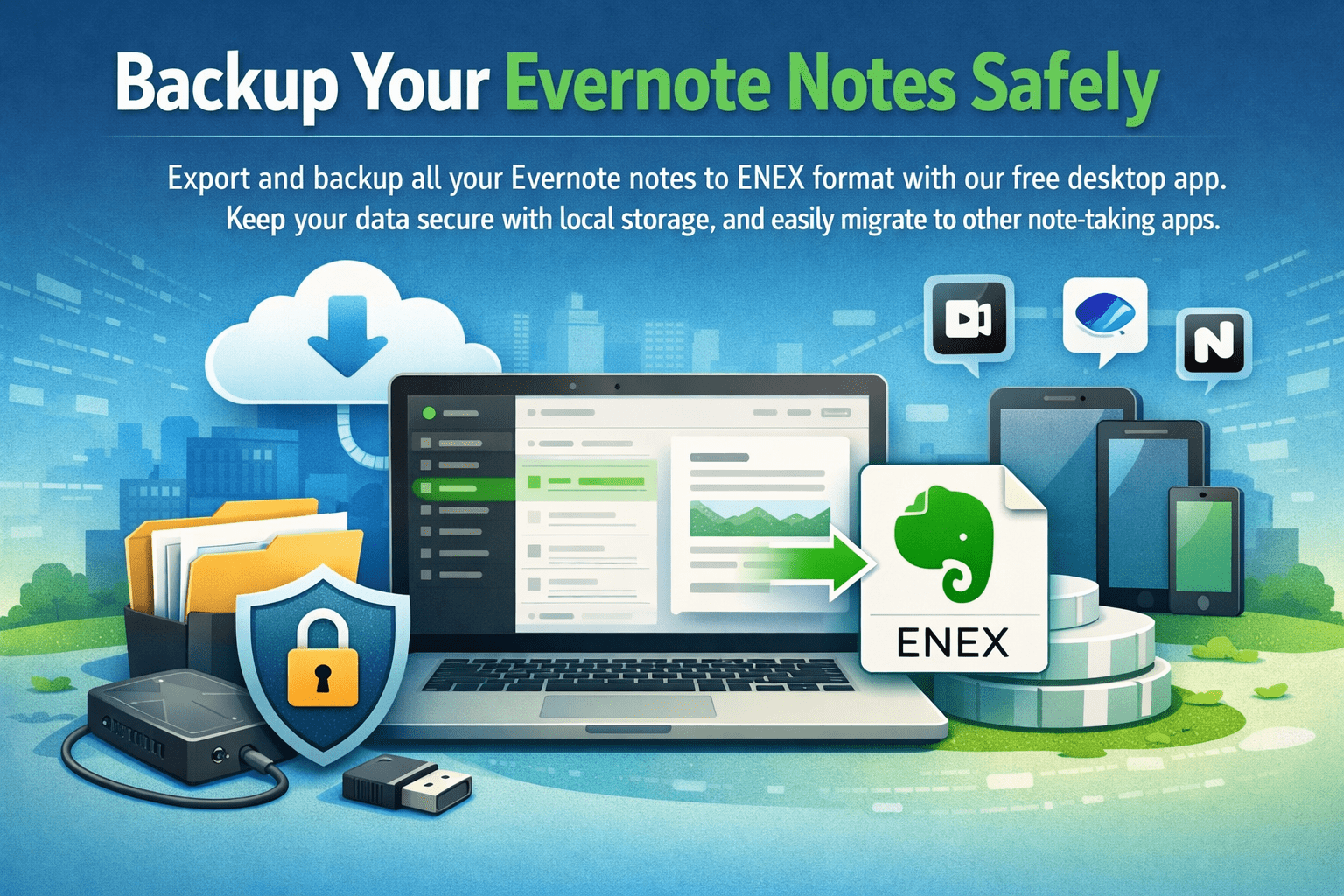
If you're like millions of Evernote users, you've accumulated years of notes, ideas, research, receipts, and memories in your account. But have you ever thought about what would happen if you suddenly lost access to all of it?
Cloud services are convenient, but they're not infallible. Let's explore why having a local backup of your Evernote notes isn't just a good idea—it's essential.
1. Cloud Services Can Change or Shut Down
Remember Google Reader? Sunrise Calendar? Wunderlist? These were popular services that millions of users relied on—until they weren't available anymore.
While Evernote has been around since 2008, the company has gone through significant changes:
- Multiple rounds of layoffs
- Leadership changes
- Acquisition by Bending Spoons in 2022
- Pricing model changes
- Feature removals in free tier
No cloud service is guaranteed to exist forever. A local backup ensures your data survives regardless of what happens to the service.
Real Risk: In 2023, Evernote significantly reduced the free tier, surprising users who had relied on it for years. Service terms can change at any time.
2. Account Issues Can Lock You Out
There are many scenarios where you could lose access to your Evernote account:
- Forgotten passwords with inaccessible recovery email
- Hacked accounts with changed credentials
- Payment issues leading to account suspension
- Terms of service violations (even accidental)
- Two-factor authentication device loss
In any of these situations, having a local backup means you still have access to all your notes, even if you can't log into Evernote.
3. Flexibility to Switch Apps
The note-taking landscape has exploded with great alternatives:
Popular Alternatives
- • Notion
- • Apple Notes
- • Obsidian (Markdown-based)
- • Logseq
- • Joplin
- • OneNote
Export Format Support
- • ENEX: Apple Notes, Notion, Joplin
- • Markdown: Obsidian, Logseq, Typora
- • HTML: Browse offline in browser
- • Preserves formatting & attachments
- • Easy migration
With local backup in ENEX, HTML, or Markdown format, you can easily migrate to any of these apps whenever you want. You're not locked into Evernote forever. Markdown export is especially popular for Obsidian users.
Pro tip: Even if you love Evernote, having a backup gives you negotiating power. You can leave anytime, so you're choosing to stay. Use Markdown export for Obsidian, or HTML for a searchable offline archive.
4. Offline Access and Speed
While Evernote offers offline notebooks for premium users, having a complete local backup provides:
- True offline access to ALL your notes, not just selected notebooks
- Instant search through your entire note archive
- No sync delays or cloud dependency
- Works anywhere - planes, rural areas, network outages
- No internet required for viewing exported ENEX files
A local SQLite database with all your notes is always available, regardless of your internet connection or Evernote server status.
5. You Own Your Data
This is perhaps the most important reason: data ownership.
When your notes are only in Evernote's cloud:
- You depend on Evernote's infrastructure
- You're subject to their terms and pricing
- You trust their security measures
- You hope they'll never have a data breach or loss
With a local backup:
- The data is physically on YOUR computer
- You control access and security
- No one can take it away from you
- You can make multiple copies, store in different locations
"The cloud is just someone else's computer."
Don't let your years of notes exist only on someone else's computer. Keep a copy on yours.
How to Backup Your Evernote Notes
Evernote Backup Tool makes it easy to create a complete local backup:
- Download the free app for macOS or Windows
- Connect your Evernote account securely via OAuth
- Sync all your notes to a local database
- Export to ENEX, HTML (with searchable index), or Markdown (Obsidian-ready)
Backup Best Practices
-
Backup regularly
Set a weekly or monthly reminder to run a backup
-
Multiple copies
Keep backups on different drives or cloud storage (like iCloud, Dropbox)
-
Verify your backups
Occasionally open ENEX files to confirm they're working
-
Keep old versions
Don't delete older backups immediately—keep a few versions
Conclusion
Your Evernote notes represent years of thoughts, ideas, and information. They deserve more protection than relying on a single cloud service.
A local backup takes just a few minutes to create but provides:
- Peace of mind that your data is safe
- Freedom to migrate to other apps
- True ownership of your information
- Offline access to everything
- Protection against account issues
Don't wait until something goes wrong. Backup your Evernote notes today.
Protect Your Notes Today
Download Evernote Backup Tool and create your first backup in minutes.
Download Free