
Backup Planning
How to Back Up Evernote Before Changing Apps or Plans
Create a safer local archive before changing apps, changing plans, or reorganizing important notes.
Back up and export your Evernote notes to ENEX, HTML, and Markdown with a desktop app that keeps attachments and archives on your own computer before you change apps, change plans, or reorganize your notes.
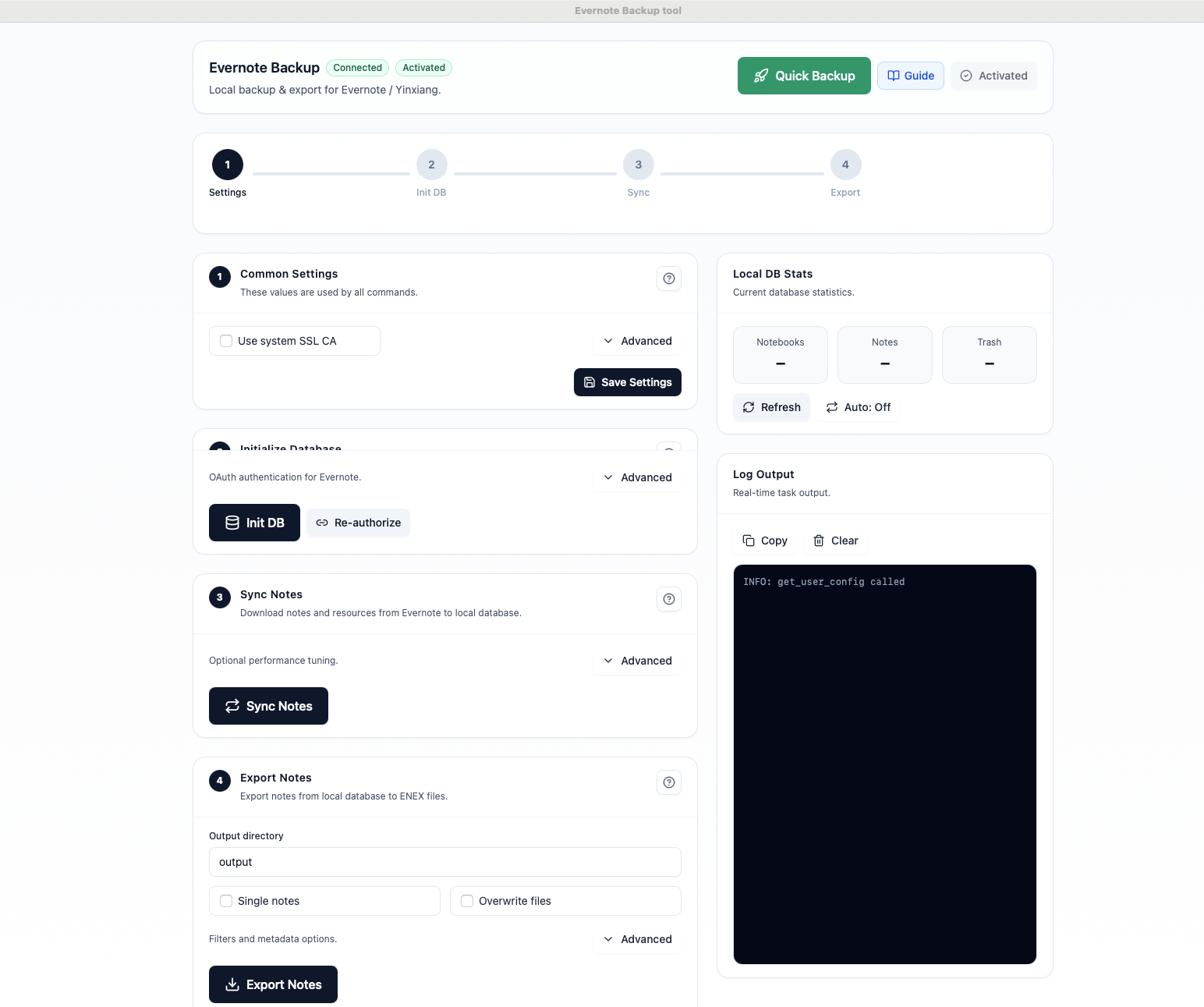
Some people want a verified local archive. Others want readable files or a migration-ready Markdown export. Start with the workflow that matches your next step.
Create a preservation copy of your notebooks, notes, and attachments so you have a local archive you can verify outside the app.
Export to HTML for a browser-readable archive with searchable pages, local attachments, and stable folders.
Use Markdown export and a backup-first workflow when you want to test Obsidian, Joplin, or another local notes setup.
A practical workflow for local backup, readable export, and migration preparation without handing your notes to another hosted service.
Download notebooks, notes, attachments, and resources into a local SQLite database you control and can verify later.
Export to ENEX for preservation, HTML for readable offline archives, and Markdown for migration into other local note workflows.
Only changed notes are downloaded after the initial sync, so large archives stay more manageable over time.
Everything stays on your computer. No hosted note storage, no hidden cloud dependency, and no note-content upload.
Works with both Evernote International and Yinxiang, with native builds for macOS and Windows.
Run initialize, sync, and export as a single flow when you want a fresh local copy without extra setup friction.
Keep backups fresh with scheduled sync and export intervals instead of relying on memory or one-off manual exports.
Only rewritten files change on disk, which keeps Dropbox, iCloud Drive, and Syncthing workflows cleaner and easier to trust.
Three simple steps to preserve notes, verify exports, and prepare for future changes.
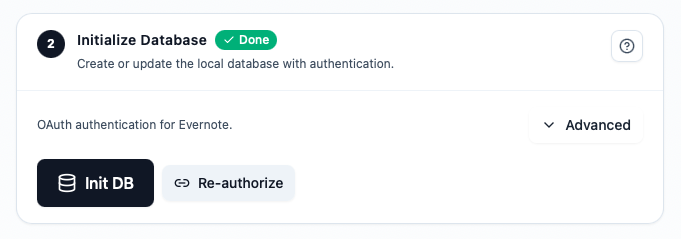
Authorize the app with secure OAuth. Your Evernote password is never stored by the tool.
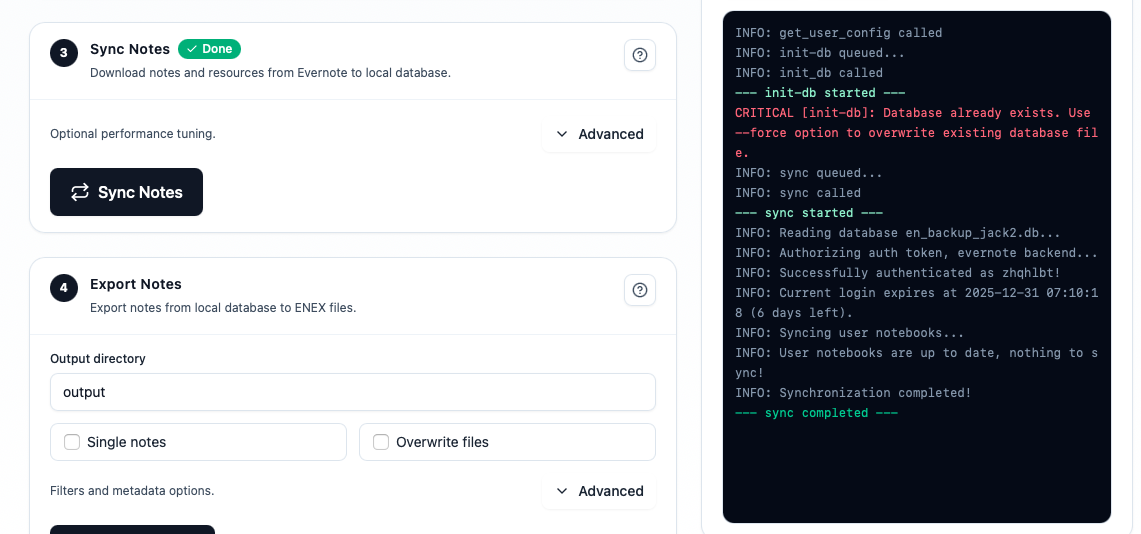
Download notebooks and notes into a local database, with progress logs that help you confirm what was actually synced.
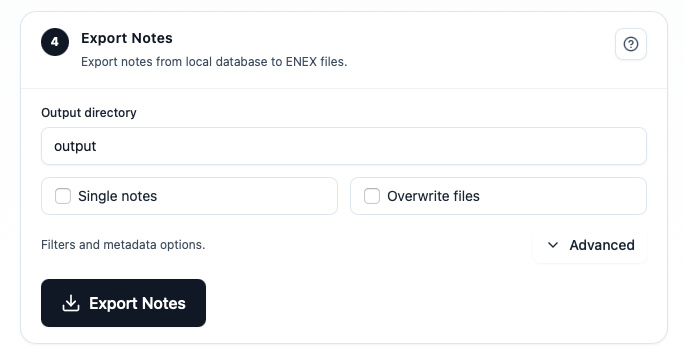
Export to ENEX, HTML, or Markdown depending on whether you need preservation, readable browsing, or migration.
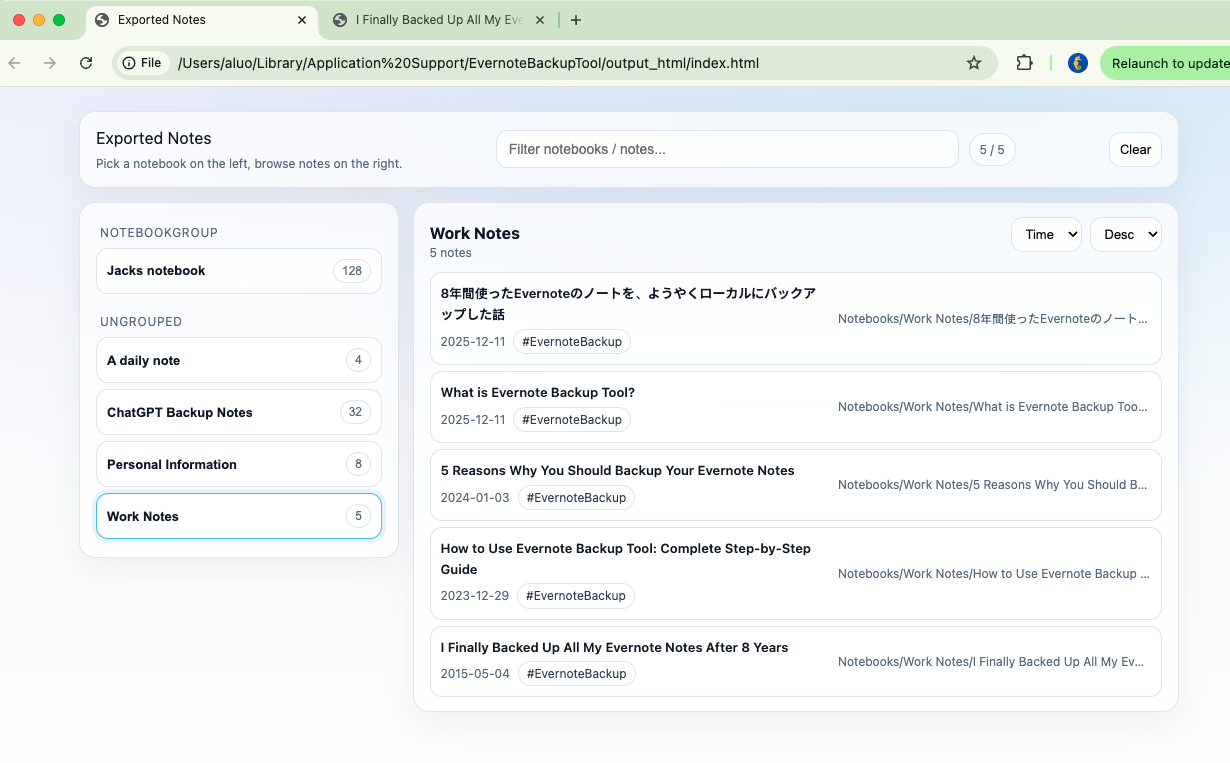
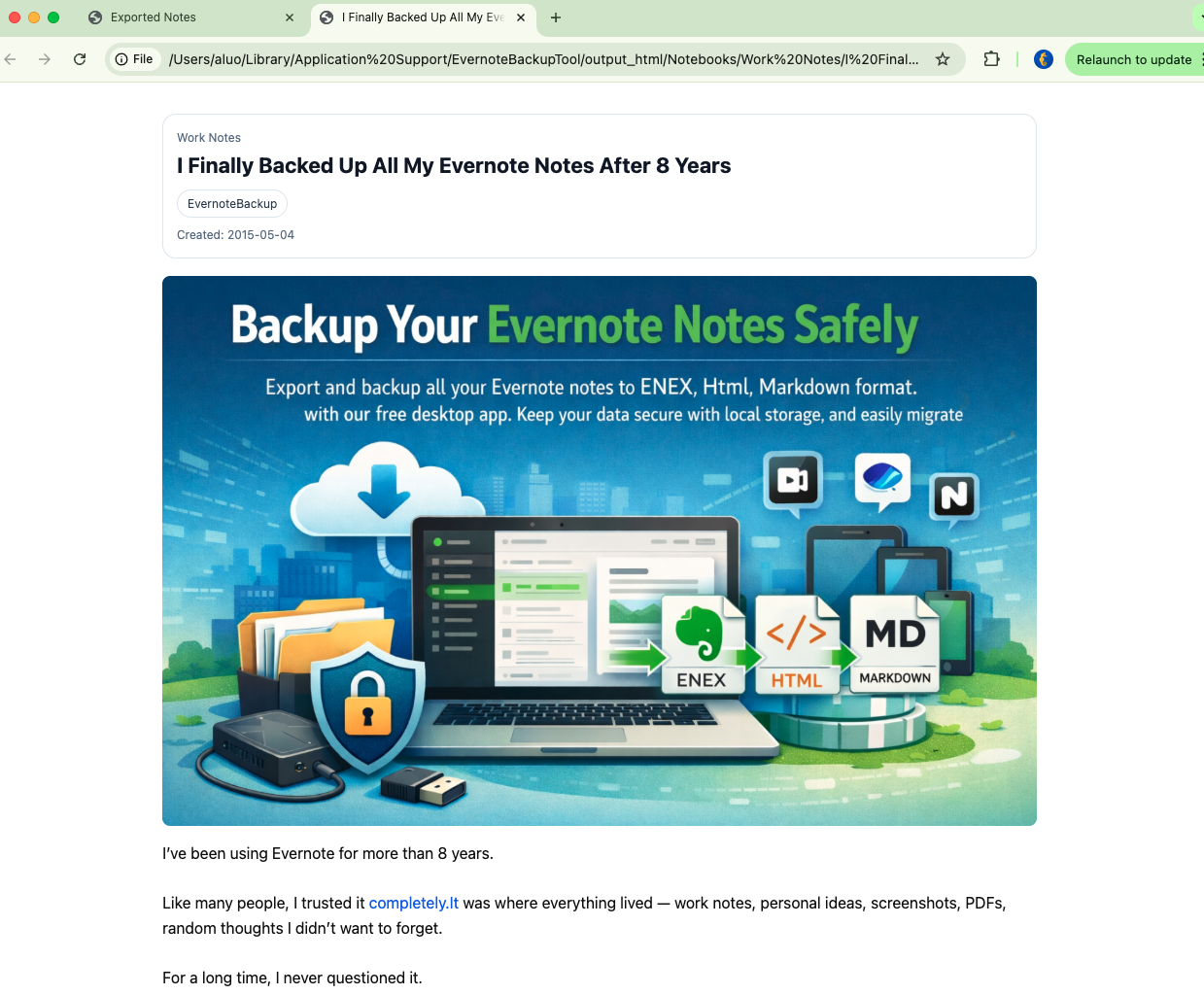
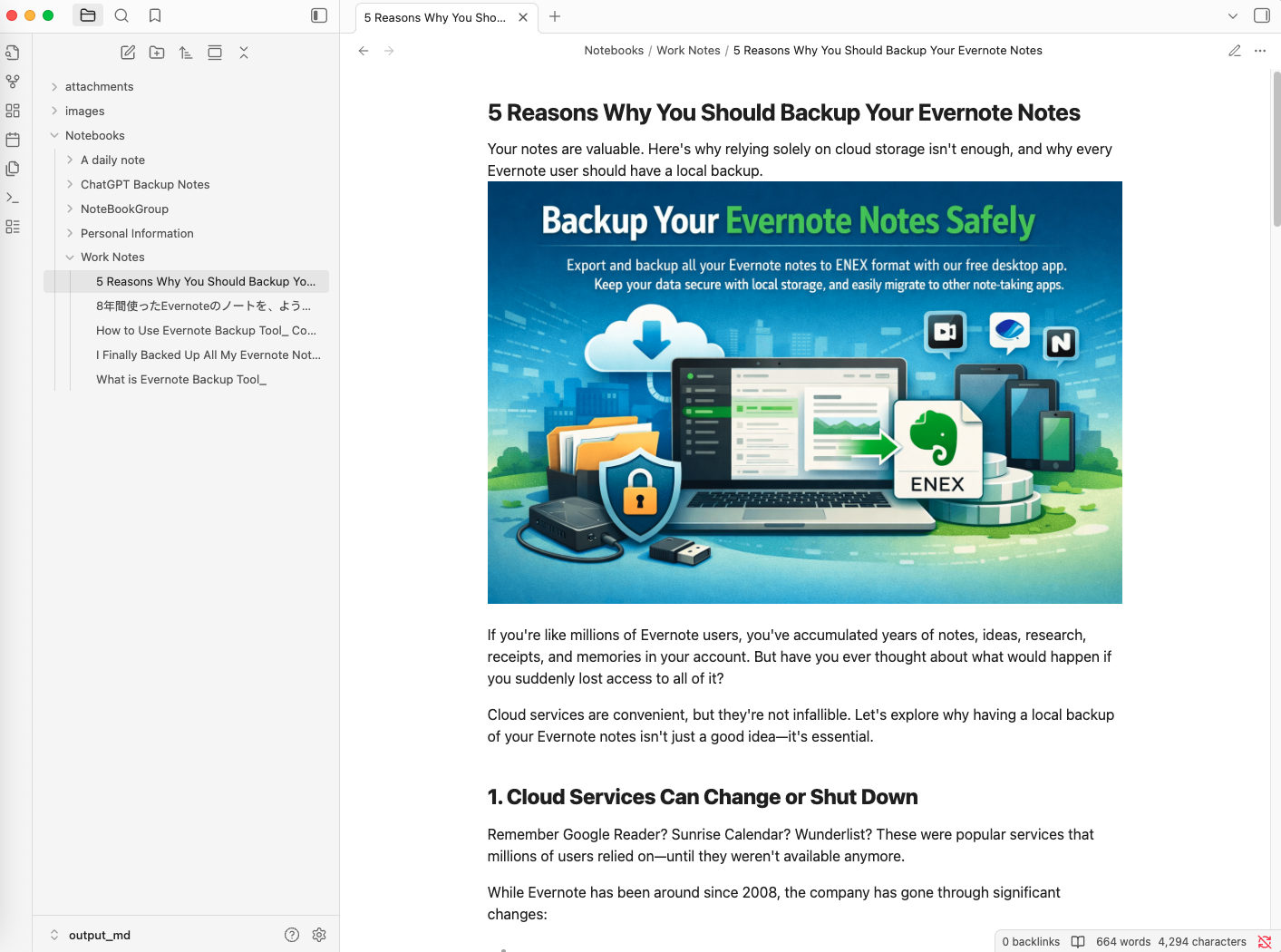
A short walkthrough of the app from connection to export.
No subscription. Pay once and keep full control of your Evernote backup forever.
Try before you buy
Verify your data first
One-time purchase
Best for long-term backup
One-time purchase
Best for migration-ready exports
Pay once, export forever, and keep your notes on your terms.
Start with the practical guides users usually need first: backup verification, migration prep, and large-library workflows.
Create a safer local archive before changing apps, changing plans, or reorganizing important notes.

Prepare a readable archive and verify attachments before moving notes into Apple Notes.

A practical workflow for large note libraries with recurring sync and verifiable exports.
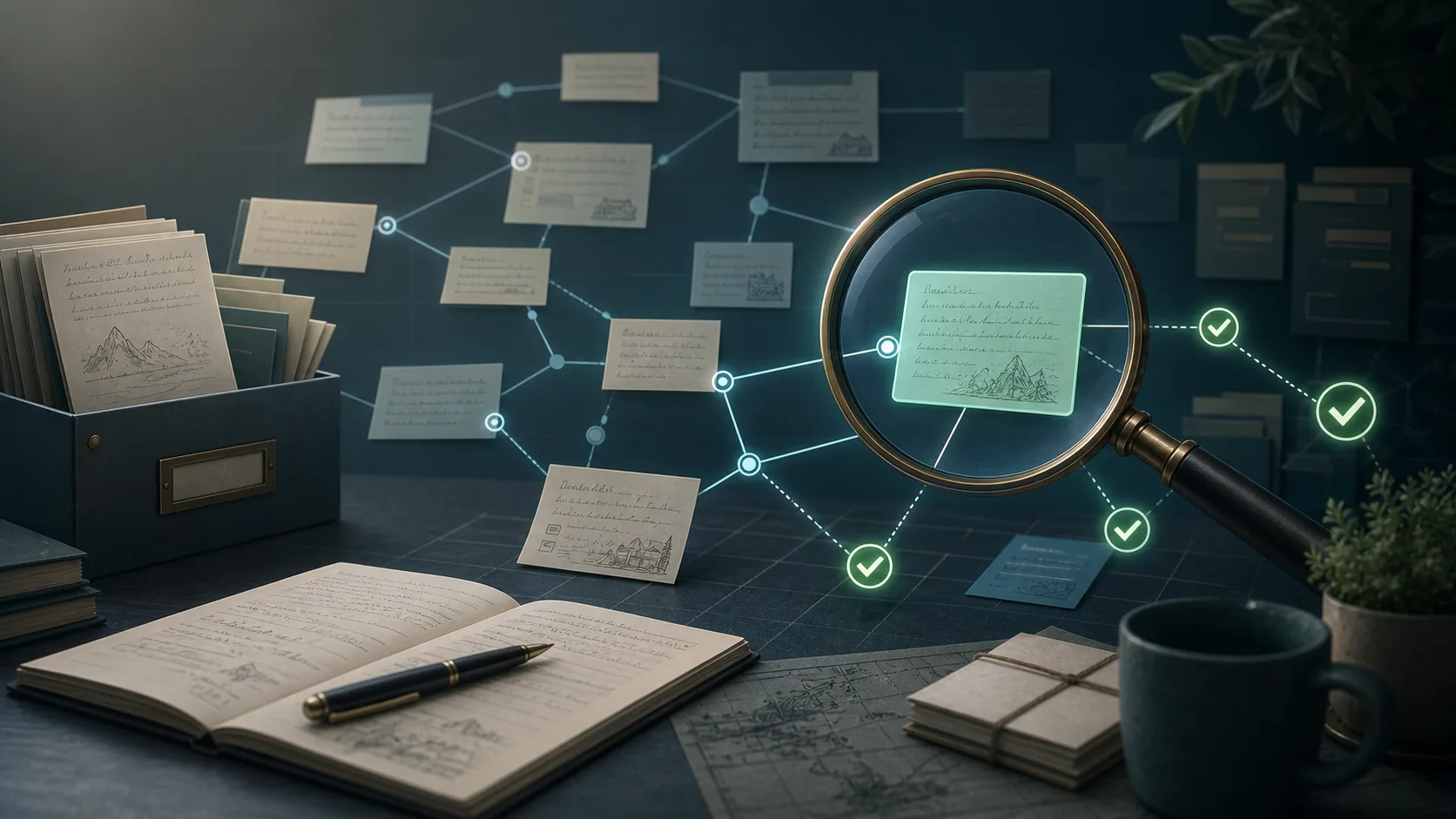
Verify internal note links before trusting your HTML or Markdown archive.
Follow the main workflows users search for: local backup, export formats, and Obsidian migration.
Learn how to back up Evernote notes locally, preserve attachments and metadata, schedule exports, and keep a reliable offline copy of your notebooks.
Compare Evernote export formats and learn when to use ENEX, HTML, or Markdown for backup, search, reading, and migration workflows.
Plan an Evernote to Obsidian migration with Markdown export, attachment checks, tag cleanup, and a safer backup-first workflow.
Learn when to export Evernote notes to HTML, how to keep attachments readable, and how to build a searchable offline archive outside Evernote.
Yes. The tool stores your notes locally on your computer and uses OAuth for Evernote authentication.
No. Sync keeps your working account current, but a local backup gives you separate files and archives you can verify outside the app.
You can export to ENEX, HTML, and Markdown. ENEX is best for preservation, HTML is best for browsing, and Markdown is best for migration workflows.
Yes. The app supports both Evernote International and Yinxiang accounts.
Yes. The tool is designed to preserve attachments, supports incremental sync, and is built to handle larger note libraries more safely than one-shot manual export habits.
No. The paid editions are sold as one-time licenses rather than recurring subscriptions.
Create a local archive while your notes are easy to check, not after you urgently need an export.